DATA CALL
ENGLISH
91
KEY SIMBOLS LIT BESIDES
THE NUMBERS
FUNCTION
DESCRIPTION
When the ON/OFF key is
pressed, storage is interrupted
and the instrument switches
off.
01: with a set storage interval
higher than 1 minute, the
display does not switch off
automatically; it remains
always lit and goes on storing.
When the ON/OFF key is
pressed the display stops till
the next acquisition. Then it
switches on again and
remains lit.
To stop storage, press the
ENTER key.
The ENTER key is used to return
to normal operating mode, while
pressing the PROG key returns to
step P0.
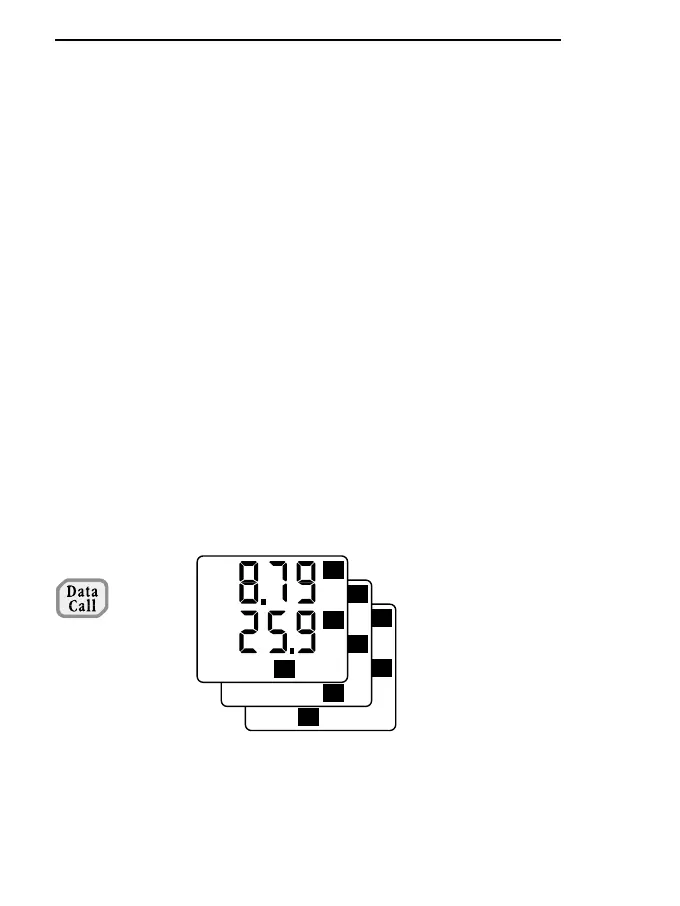
DATA CALL key (Mean - Max -
Min).
When the DATA CALL key is
pressed repeatedly, the Max, Min
Mean, Q and Time values measu-
red for both measuring channels
are shown on the display.
See the description of the Q and
Time functions in the specific
paragraph.



 To Next Page