ENGLISH
92
KEY SIMBOLS LIT BESIDES
THE NUMBERS
FUNCTION
DESCRIPTION
s
key. When enabled it increases
the values of the parameters on
the display; when pressed with P1
it enables the memory clear func-
tion.
In normal operating mode, when
held down, it resets the values
recorded in the RCD memory,
bringing them all to 0.
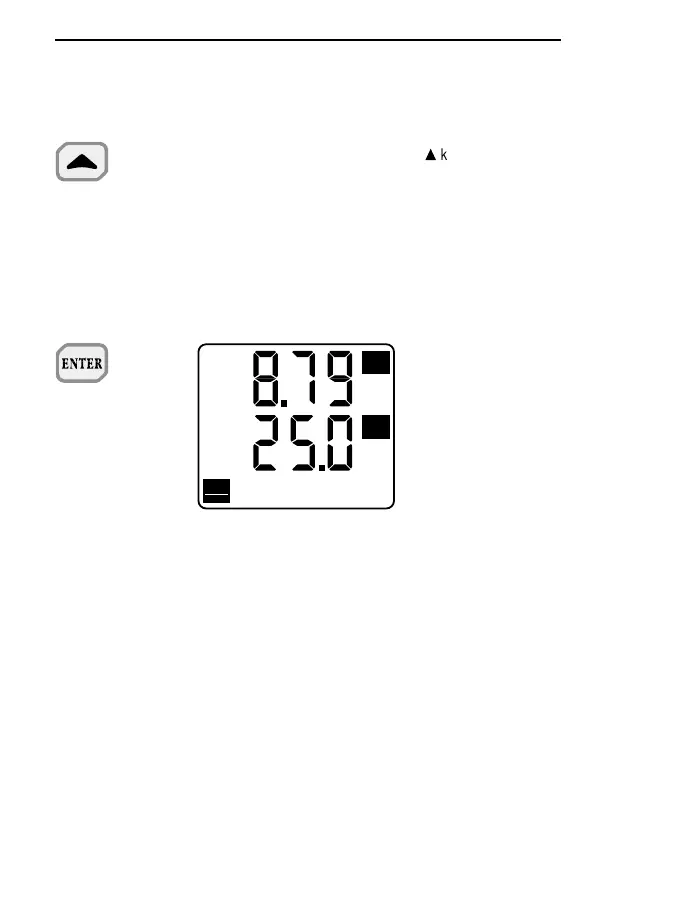
ENTER key (Start-Stop sub-func-
tion).
The ENTER key is used alternati-
vely to start or stop storage of a
new block of data to be kept in the
memory of the instrument. Data
storage is performed at the rate
set during programming of step
P2.
The data stored between one
start and the following stop form a
block.
Different blocks can thus be for-
med, all ending (during unloading)
with the report giving the maxi-
mum, minimum and mean values.
The Serial Out/Memory symbol
remains lit for the whole storage
period. The Auto Power Off func-
tion is active and the instrument
switches itself off after about 8
minutes of inactivity. It is restarted
automatically by the clock inter-
rupt control which reactivates the
instrument for only the time nee-
ded for all the acquisition and sto-
rage operations. Once this has
been done the instrument swit-
+ Start-Stop


 To Next Page
 Loading...
