EasyManua.ls Logo

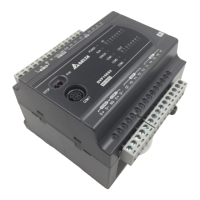
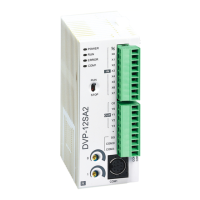
Delta DVP-SA2 - User Manual

Delta DVP-SA2
1006 pages
Print Icon
To Next Page IconTo Next Page
Loading...
www.deltaww.com
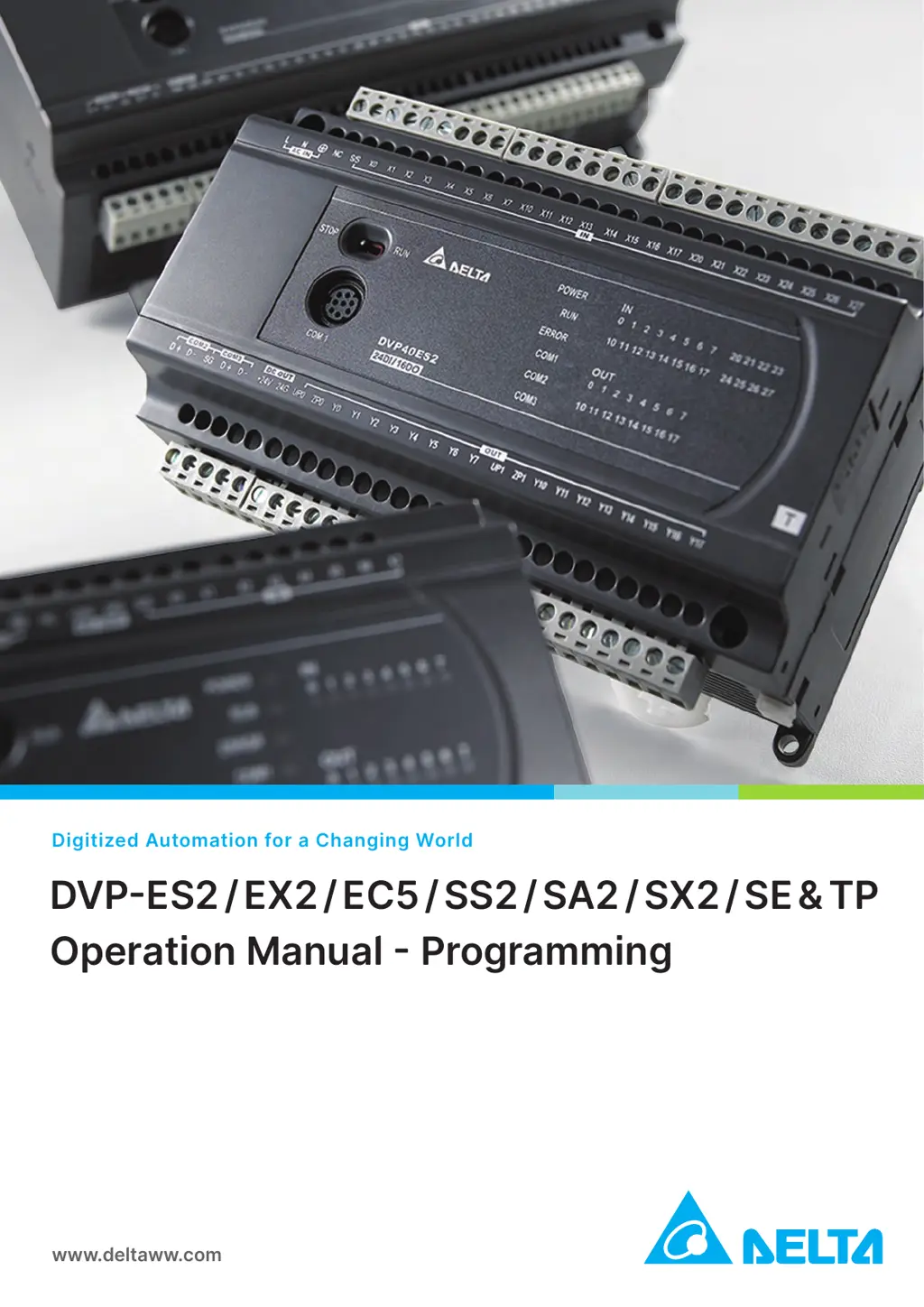
Digitized Automation for a Changing World
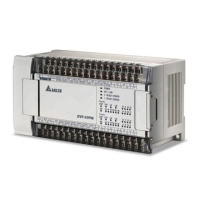
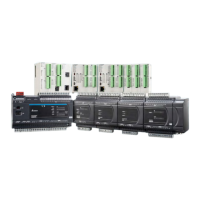
DVP-ES2 / EX2 / EC5 / SS2 / SA2 / SX2 / SE & TP
Operation Manual - Programming

Table of Contents

Other manuals for Delta DVP-SA2

Questions and Answers

  • R
    Raymond NunezAug 2, 2025
    What to do if COM3 is not displaying the correct CANopen communication state on Delta Measuring Instruments?
    • P
      Paul Meyer DDSAug 2, 2025
      To resolve issues with the COM3 indicator on Delta Measuring Instruments, verify the CANopen connection. Ensure that all network devices are properly configured.

Delta DVP-SA2 Specifications

General IconGeneral
SeriesDVP
ModelDVP-SA2
TypePLC
Input Voltage24V DC
Number of Inputs16
Number of Outputs16
Communication PortsRS-232, RS-485
Programming LanguageLadder Diagram
Operating Temperature0°C to 55°C
Digital Input16
Digital Output16 points
High-Speed CounterYes
Pulse OutputYes
I/O Points32
Storage Temperature-25°C to 70°C
Humidity5% to 95% (non-condensing)

Related product manuals