Chapter 16 PLC Function ApplicationsMS300
755
Floating point number contact form compare AND*
Continuous
execution type
Notes on operand usage: ※,:, =, >, <, <>, ≤, ≥
Refer to the function specifications table for each device in series
for the scope of device usage.
S
1
: data source device 1. S
2
: data source device 2.
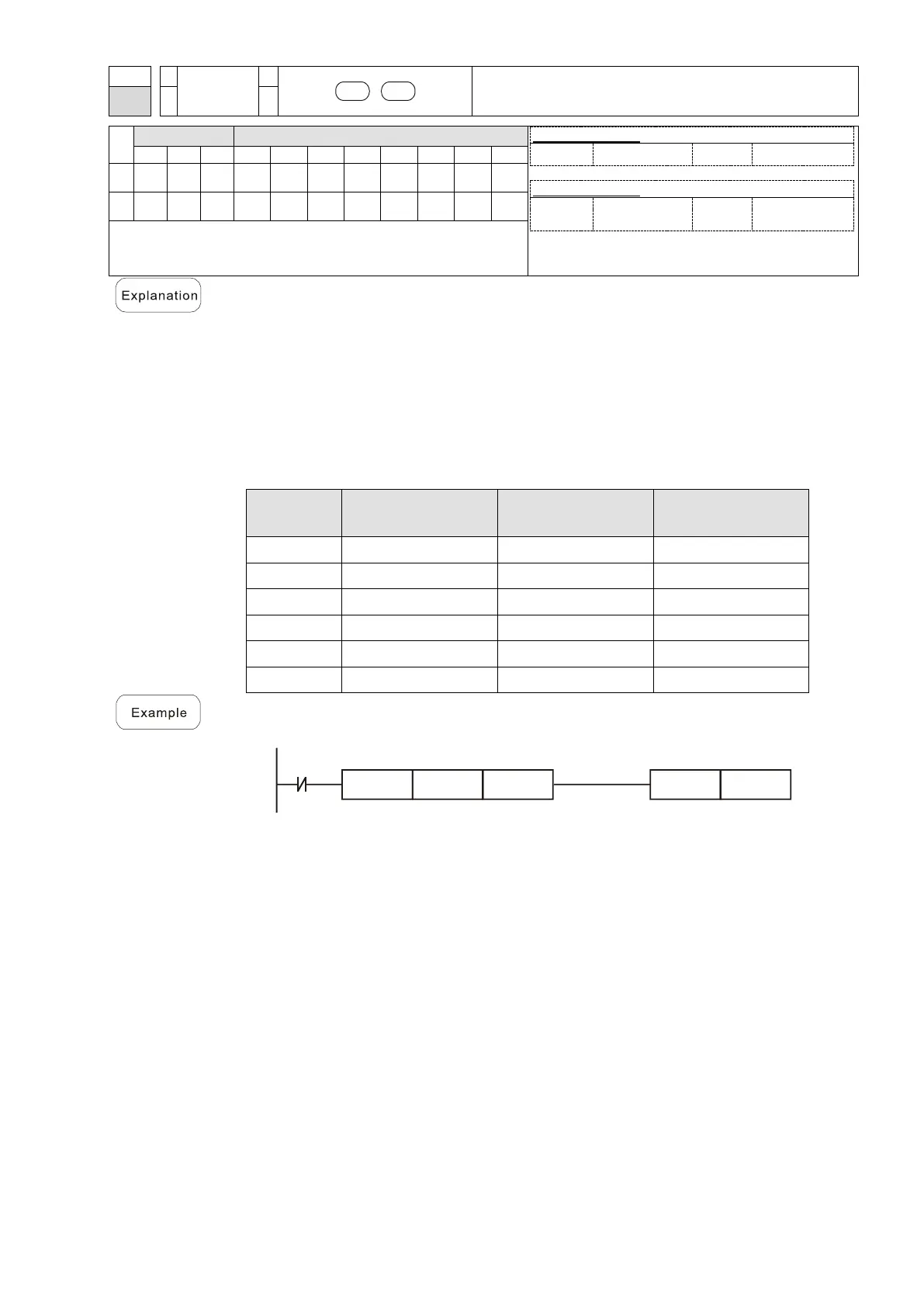
This command compares the contents of S
1
and S
2
. Taking "FAND=" as an
example, if the result of comparison is “equal”, this command activates; but it does
not activate when the result is “unequal”.
The FAND* command can directly input floating point numbers (for instance: F1.2)
to the S
1
and S
2
operands, or store the floating point numbers in register D for
use in operations.
You can use this command directly to connect with the busbar.
Conditions for
Activation
Conditions for
Inactivation
When X1 = OFF, and the floating point number in register D100 (D101) is not
equal to F1.2, then Y21 = ON and remains in that state.



 To Next Page