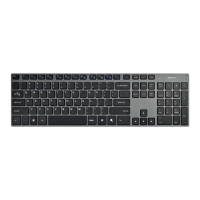
Need help?
Do you have a question about the Deltaco TB-258 and is the answer not in the manual?
Install batteries and power on the keyboard. Learn about battery status and auto-off features.
Steps to connect the keyboard to your computer or mobile device via Bluetooth.
How to switch between multiple paired devices using the 'Host Select' key and numbered shortcuts.
Understand Mac layout, using 'fn' key for Windows functions, and enabling NumLock.
Find contact information for troubleshooting and support queries, including email and website.

 To Next Page
 General