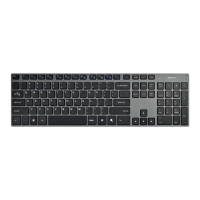
Need help?
Do you have a question about the Deltaco TB-630 and is the answer not in the manual?
Explains how to recharge the keyboard's battery using a USB cable and LED indicators.
Details steps to connect the keyboard to a Bluetooth device via pairing.
Instructions on setting the keyboard's OS mode using Fn key combinations.
Guides on controlling backlight and using special function keys.
Information on sleep mode, waking the keyboard, and customer support contacts.
 General
| Switch Type | Outemu Blue |
|---|---|
| Backlight | RGB |
| Connection | Wired |
| Key Rollover | N-Key Rollover |
| Device Type | Keyboard |
| Connectivity Technology | Wired |
| Interface | USB |
| Layout | Nordic |
| Keys | 104 |
| Colour | Black |
| Cable length | 1.8 m |
| Type | Mechanical |

 To Next Page