Need help?
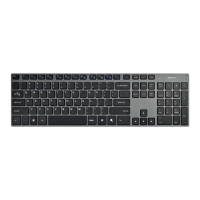
Do you have a question about the Deltaco TB-631 and is the answer not in the manual?
Insert two AAA-batteries into the battery compartment.
Power on the keyboard and press Fn+C. The BLUE LED blinks, making it detectable.
Press and hold Fn, then press iOS, Android, or Windows key.
Press Fn key with F1-F12 to trigger special functions.
Keyboard enters sleep mode after 10 minutes. Press any key to wake.
Contact Deltaco for assistance. Provide OS and item number.

 To Next Page
 General