5
Connecting the Headset to a compatible Phone.
1. Activate the Bluetooth feature on your Phone and have it ready
to search for Bluetooth devices, see user guide of your Phone
for Instructions.
2. Switch on the Headset and keep your finger on the Power Button,
the Blue Indicator light will flash and then stay on.
3. With your finger still pressed down on the Power Button,
search for Bluetooth devices on your mobile.
4. From the list of devices that appear select the Headset,
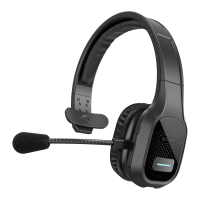
Roman R200, at this point you can remove your finger
from the power Button.
5. Enter the Passcode 0000 and connect the Headset.
In some phones you may need to make the connection
separately after connecting, see the user guide of
your Phone for instructions.
6. If the connection is successful the headset will beep and
appear in the phone menu, where you can view the currently
connected Bluetooth devices.


 To Next Page