33
21492044.indd/131107
9 Information menu in connection with DRC-DR
This additional function of the hand-held transmitter can only be used in connec-
tion with a DR rope hoist and CAN bus.
The Information menu makes the display of information on the crane or the travel-
ling hoist(s) possible. This information is stored in the form of a list by each DR
control system. One element of this list is requested by the hand-held transmitter
and made available by the selected control system via the CAN bus.
• Actuate and hold down the Stop key
• Actuate stage 1 of the Horn key twice
• Actuate stage 1 of the Horn key again and hold it down for approx. 5 seconds
• Release the Horn key again
• Release the Stop key
Selection of the polled control system is analogue to travelling hoist selection.
Since the F1 key has no function in the information menu, the travelling hoist must
first be selected in the Run operating mode:
Travelling hoist selection Information from
I Travelling hoist 1 control system
II Travelling hoist 2 control system
I+II Crane control system
If there is only one travelling hoiston the crane, no travelling hoist selection is nec-
essary, thus no travelling hoist selection is displayed on the hand-held transmitter.
If travelling hoist selection is nevertheless to be activated, this can be done by
holding down the F1 key for approx. 5 seconds.
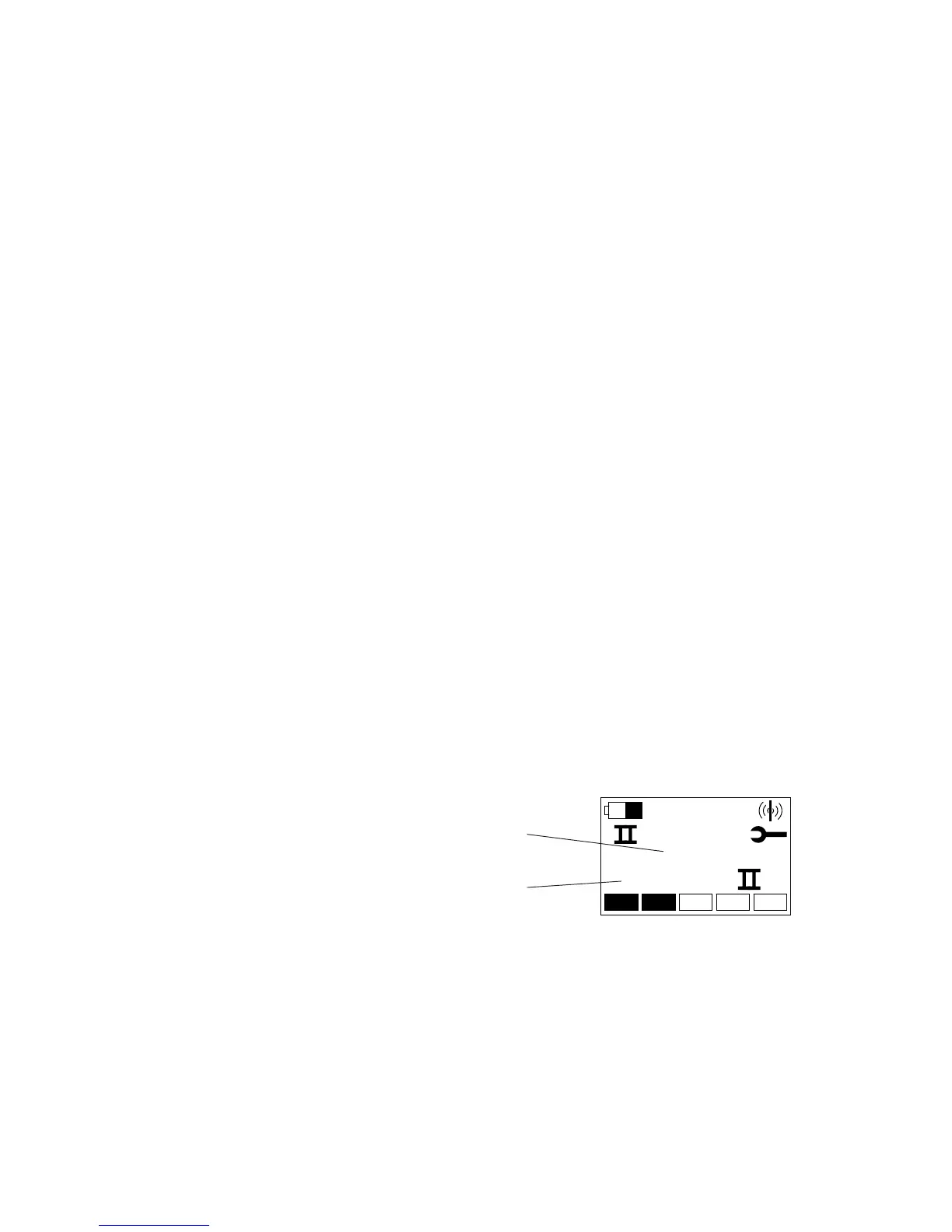
After changing to the Information menu, the starting screen of the Information
menu is shown in the display of the transmitter. This starting screen shows infor-
mation START II (since travelling hoist 2 has been selected) and code 888:
9.1 Activating the
Information menu
9.2 Selecting the
information source
9.4 Starting screen
9.5 Navigating in the
information menu
To navigate in the information list, use the following keys:
Key Function
Right to the next value in the list
Left back to the previous value in the list
Lift exit the Information menu



 To Next Page