Drive installation
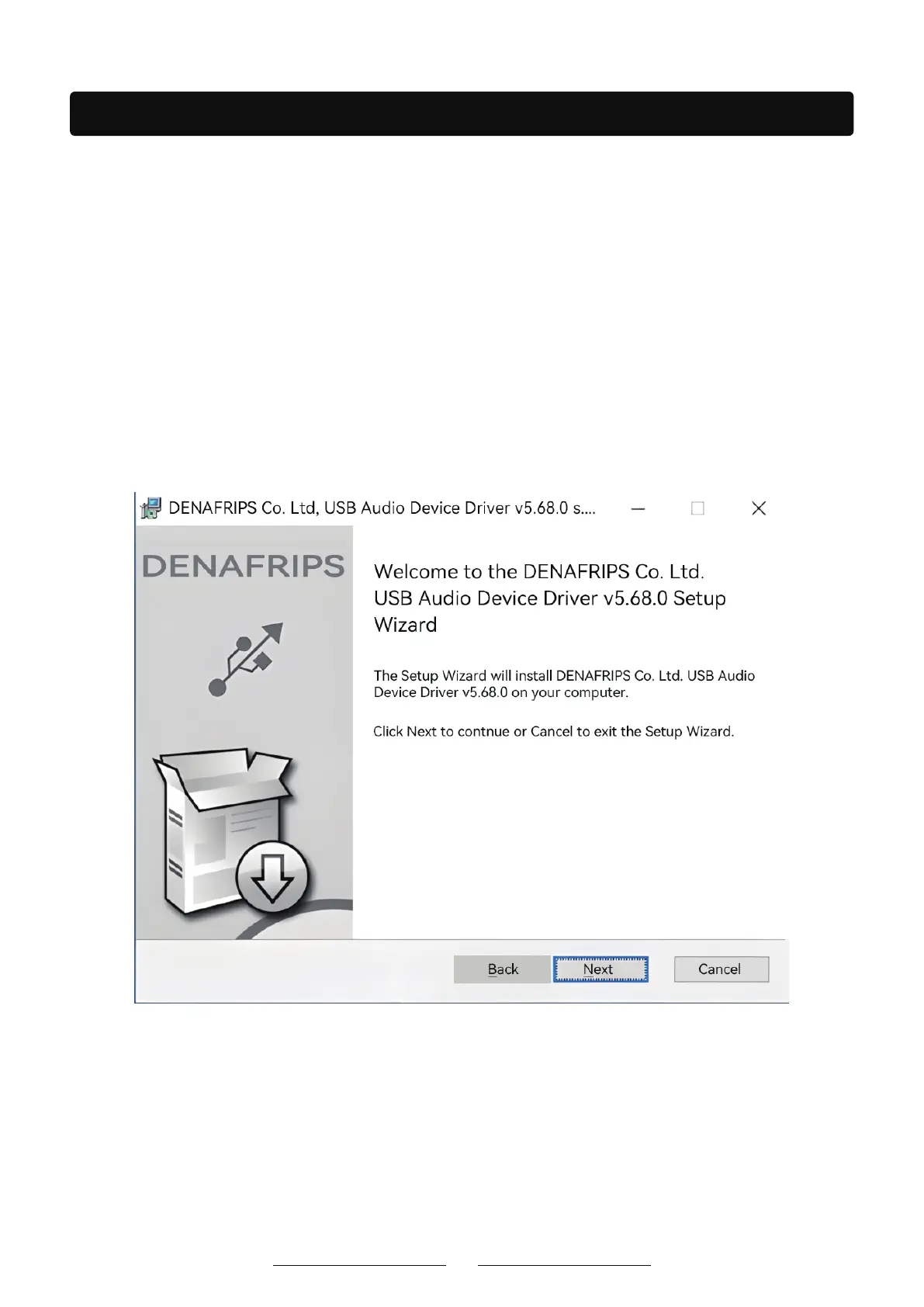
3. Double-click the driver on the computer
USB Driver Installation - Windows operating systems (Windows 10 and above can be installed) require a USB driver. The USB
The driver is licensed by THESYCON and is designed to provide the highest quality audio playback for computer audio systems.
Note: Mac and Linux operating systems do not require USB drivers.
Installation Guide:
1. Do not connect the USB cable from the computer to the DAC. Unplug the USB driver
before it is installed.
2. From the support page to download the driver: https://www.denafrips.com/download-thesycon.
15



 To Next Page