Bluetooth operation
Pairing
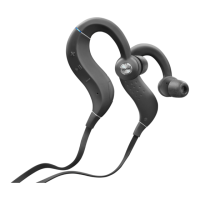
You need to register (pair) a Bluetooth device with the headphones in
advance in order to enjoy listening to wireless music or make phone calls.
You can connect to a Bluetooth device any time after it has been paired.
NOTE
Pairing needs to be done again in the following cases.
0
When 9 or more devices have been paired with the headphones
These headphones can store pairing information from a maximum of 8 devices.
When 9 or more devices are paired, the new pairing information overwrites the oldest
pairing information in order from the oldest information onwards.
Multiple Bluetooth devices cannot be played back at the same time.
Registering (Pairing) and connecting a
Bluetooth device
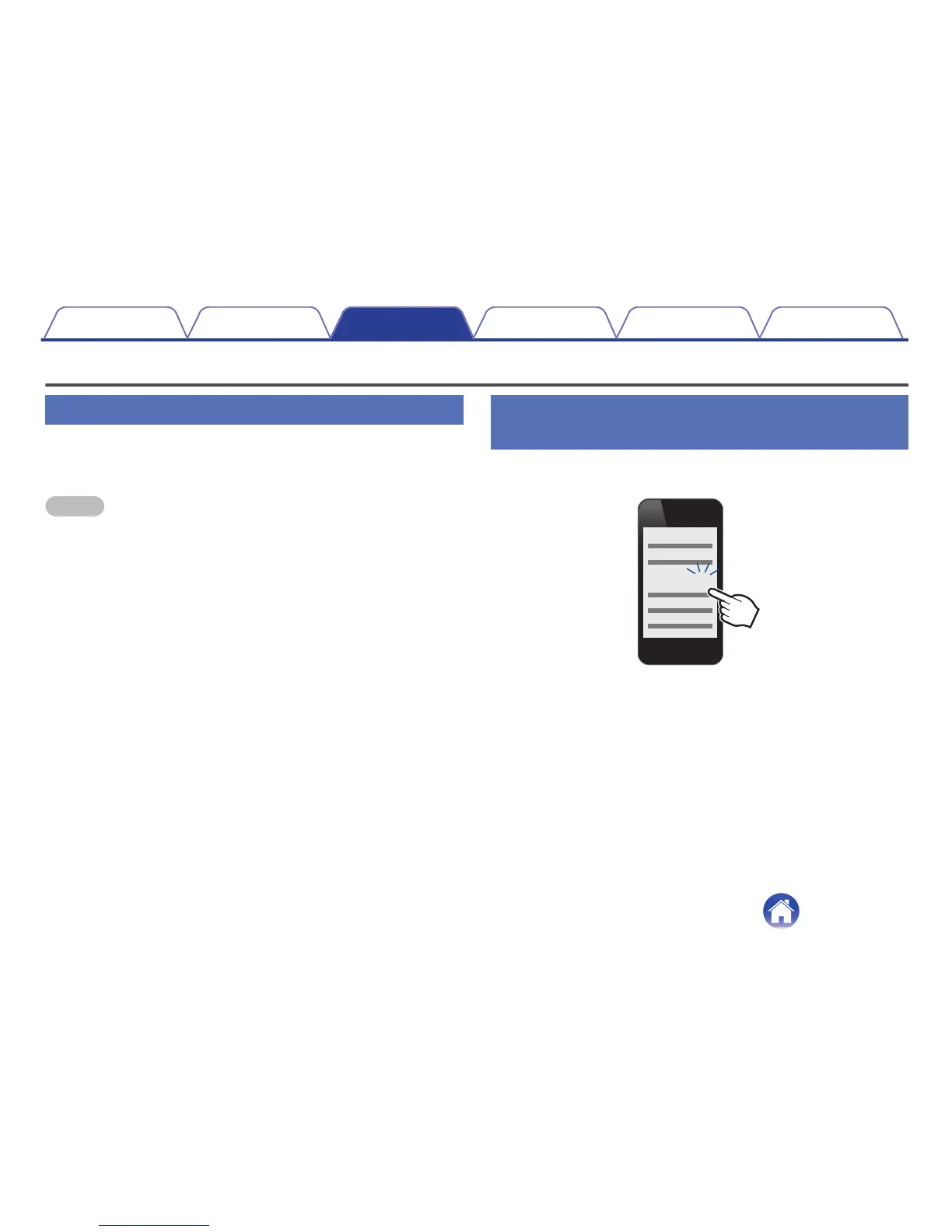
1
Turning on Bluetooth on your mobile device
.


 To Next Page
 Loading...