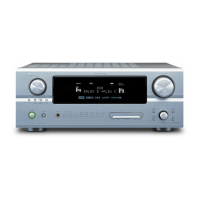
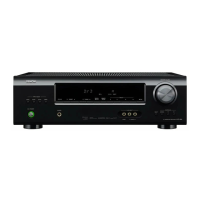
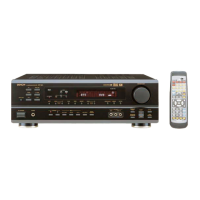
16
AVR-1708/1508/688/588/488 AVC-1508
Check mode for µcom/DSP version s
µcom/DSP Version Display Mode
1. Operation Spec
µcom/DSP version display mode:
At its starting state, version information is displayed.
Starting method:
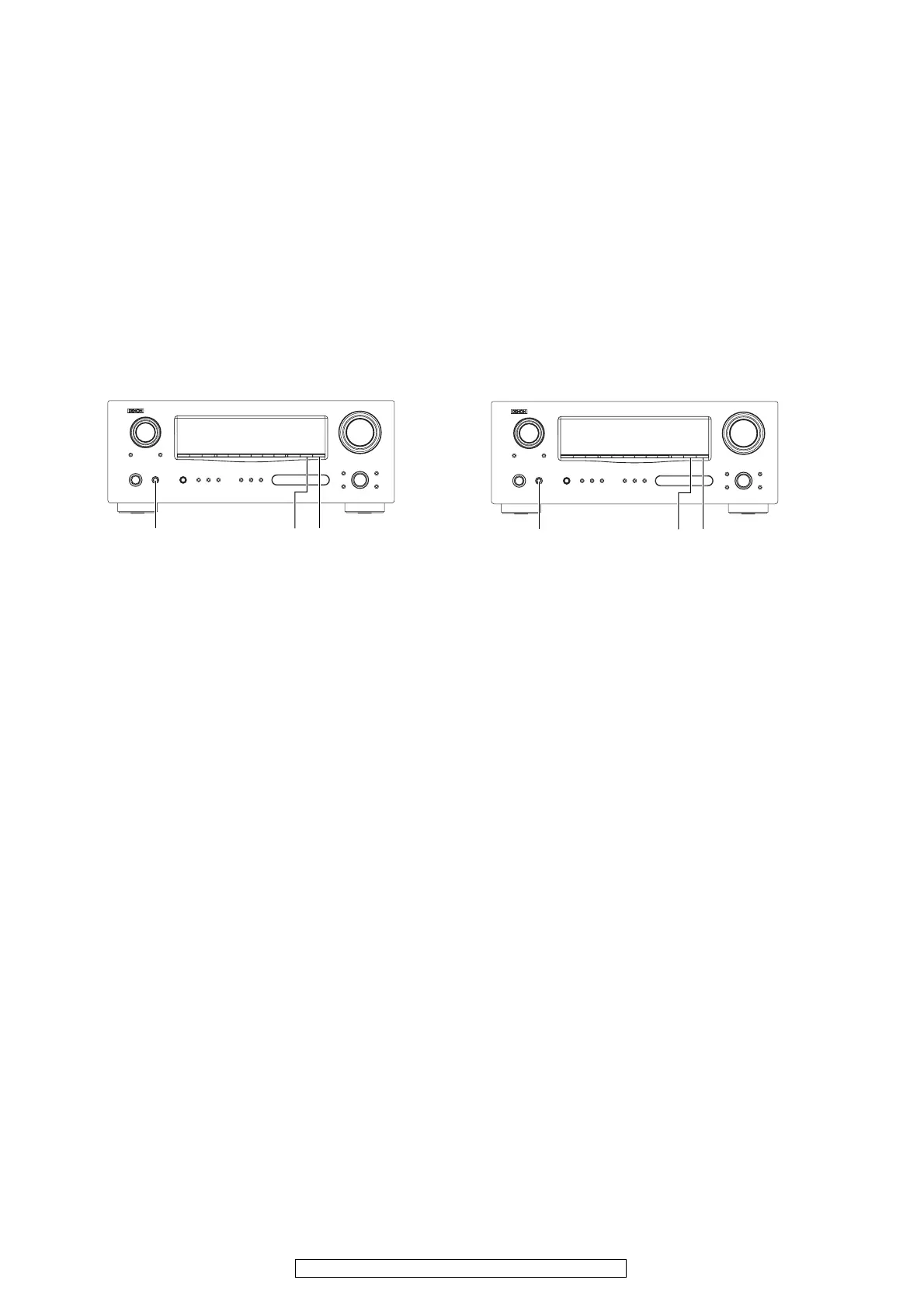
E3,EUT,JP model
While pressing 2 buttons, "STATUS " and "DIMMER ", turn on/off button on.
Then, press "STATUS" button to display the following information on the FL Display.
E2 model
While pressing 2 buttons, "RT " and "PTY ", turn on/off button on.
Then, press "RT" button to display the following information on the FL Display.
2. Display Order
Destination information →Main-µcom version information → DSP version information
on/off button
STATUS
DIMMER
E3,EUT,JP model
on/off button
RT
PTY
E2 model



 To Next Page