o
Configuring the settings for an AV receiver/AV
amplifier
1
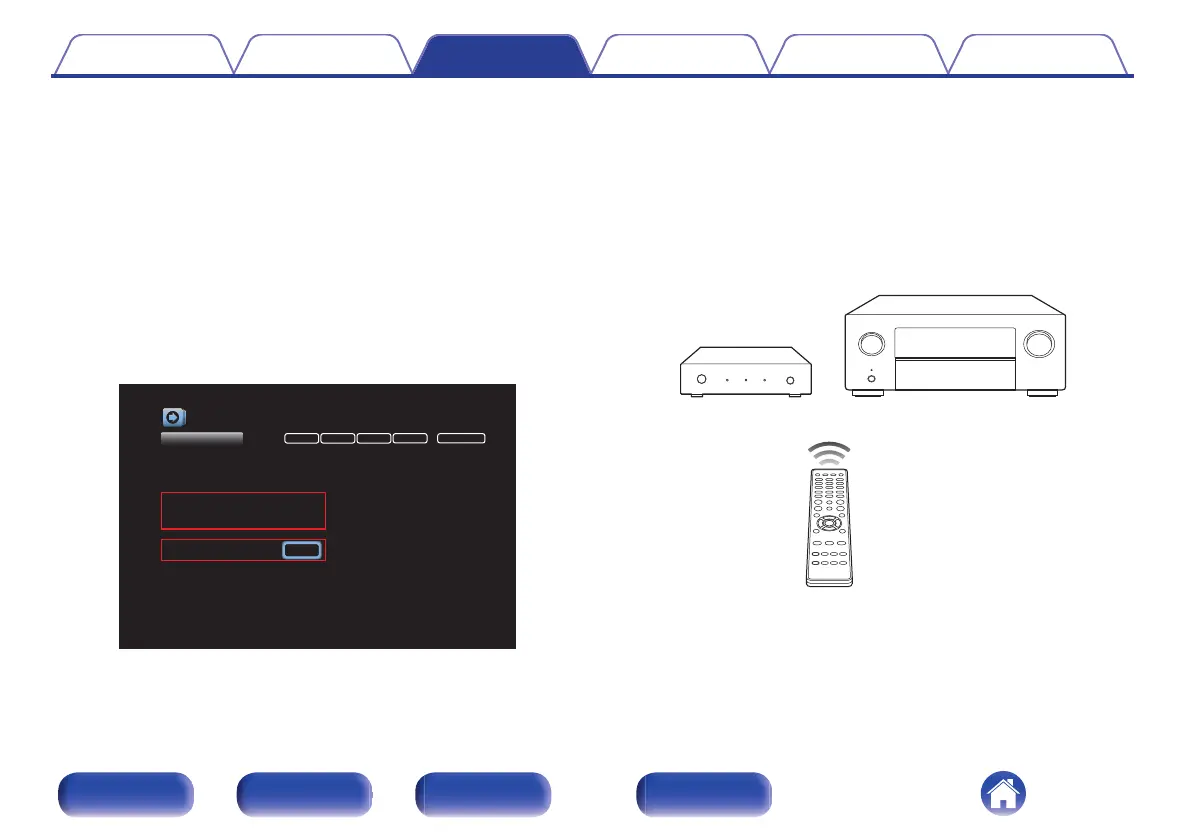
Open the “Inputs” - “Input Assign” settings screen
from the menu for the AV receiver/AV amplifier.
2
Configure the settings to assign 8K-compatible HDMI
connectors (6(8K) or 7(8K))
z
to the HDMI input
connectors of the 8K, Game, and Media Player input
sources.
z
The 8K-compatible HDMI connectors vary depending on the specifications
of your AV receiver/AV amplifier. Configure the settings according to the
specifications of AV receiver/AV amplifier.
.
DIGITAL ANALOGHDMI VIDEO INPUT MODE
Inputs/Input Assign
Set Defaults
CBL/SAT
DVD
Blu-ray
Media Player
Game
AUX
8K
TV Audio
1
2
3
6
(8K)
6
(8K)
-
6
(8K)
-
1
2
-
-
-
3
-
-
VIDEO1
COMP1
-
-
COMP2
VIDEO2
-
-
COAX
-
-
-
OPT2
-
-
OPT1
Changes HDMI input assignments
CD - 4 -
AUTO
AUTO
HDMI
HDMI
AUTO
ANALOG
HDMI
DIGITAL
ANALOG
-
o
Operating
1
Press the 8K, GAME, or MEDIA PLAYER button on the
remote control unit for the AV receiver/AV amplifier.
The inputs for this unit and for the AV receiver/AV amplifier switch
simultaneously. The HDMI input for this unit that corresponds to the
signal received from the button is selected.
.
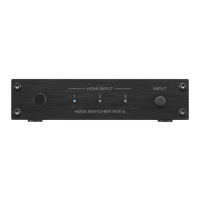
This unit
AV receiver /
AV amplifier
Contents
Connections Operations Troubleshooting Appendix Specifications
19
Front panel Rear panel Side panel Remote


 To Next Page