EasyManua.ls Logo

Denon DCD-1500 - Page 15

Denon DCD-1500
42 pages
Print Icon
To Next Page IconTo Next Page
To Previous Page IconTo Previous Page
Loading...
(4)
Checking
of
Spindle
Servo
After
checking
the
focus
servo,
Bushs
ain.
button.
oe
{
PLAY)
again,
The
disc
starts
to.
run.
With
this
revolution
of
disc,
the
servo
operation
can
be
confirmed.
;
;
{Confirm
that
2"
indicates
on
the
calendar.)
Note:
If
the
disc
does
not run
due
to
spindie
servo
malfunction
or
runs
fast,
the
following
“Checking
of
Tracking
Servo”
will
be
im-
possible,
{5)
Checking
of
Tracking
Servo
Push
play
button
(>
PLAY}
again.
When
tracking
servo
is
properly
operated,
a
“Sizzle”
sound
from
‘the’
operation
of
tracking
actuator
of
laser
pick-up
will
be
produced.
(Confirm
that
3”
indicates
on
the
calendar.)
Note:
Same
as
previous
column,
if
it
is
not
property
operated
the
following
checking..will
be
impossible,
{6}
Checking
of
Stide
Servo
Note:
Before
checking,
prepare
and
insert
a
head-
phone
into
the
headphone
jack
with
a
volume
adjusted
to
adequate
level.
Push
play
button
(
»
PLAY)
again.
When
slide
servo
is
properly
operated,
the
sound
will
be
heard
through
the
headphone.
This
sound
not
always
be
heard
normally,
for
many
instances
it
will
be
heard
as
if
it
is
muted.
(Confirm
that
4"
indicates
on
the
calendar.)
4,
ADJUSTMENT
(4)
Before
Adjustment.
wes
Adjustment’
.order
is,
first
to
adjust’
*Lurritable
height,
etc.
at
the
time
complete
assembling,
secondly
‘to
adjust
electrical
adjustments
for
laser
pick-up
system
and
spindle
motor
system
to
complete.
:
The
adjustment
of
the
super-linear
converter
employed
in
this
unit
aiming
to
reduce
a
distortion
at
the
time
of
O/A
conversion
is
unnecessary
except
for
special
occasion.
(2)
Measuring
Equipments-and
Implements
for
Adjustment
@
Dual-mode
oscilloscope.
;
.
Specified
disc
for
adjustment
“@
Measuring
filter
Note:
if
there
is
no
sound,
ihe
taser
pick-up
may
4
.
..be
set
at
disc’s
lead-in
or
lead-out
position.
°
For
this
case,
move
the
laser
pick-up
to
the
program
are
referring
to
the
column
4.(5)
Q).
7)
Checking
of
Playback
Sound
@
Connect
the
line-out
of
this
unit
to
an
appro
priate
amplifier
so
that
the
playback
sound
can
be
checked.
Push
either
side
of
track
button
(
4.»
).
In
this
state
tracking
servo
becomes
low
gain
and
the
unit
becomes
normal
playing
condition.
(8)
Checking
of
General
Functions
Turn
off the
power
and
disconnect
the
jumper
to
-
pins
@)}
and
@)
of
TP-204.
Turn
on
the
power
and
check
aif
playing
controls
for
‘proper
functions.
Note:
Because
of
a
timing
of
the
microcomputer
employed
in
the
unit,
occasionally
it
does
not
accept
a
command
from
the
button.
in
this
case
do
not
judge
it
for
defective,
repeat
the
same
check
for
several
times.
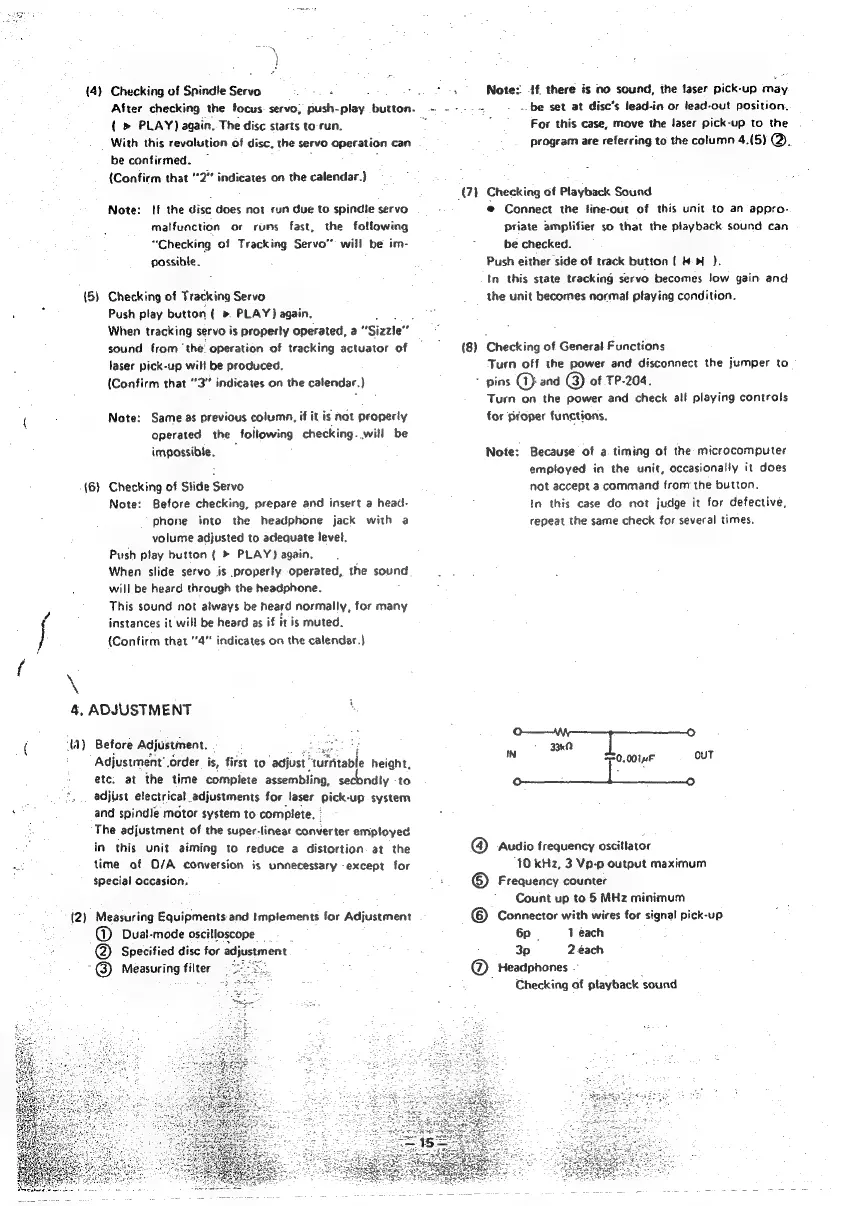
33k
IN
s
0
ouT
|
0014F
@
Audio
frequency
oscillator
10
kHz,
3
Vp-p
output
maximum
©
Frequency
counter
Count
up
to
5
MHz
minimum
©
Connector
with
wires
for
signal
pick-up
6p.
1
each
3p
2
ach
@
Headphones
~
Checking
of
ptayback
‘sound

Other manuals for Denon DCD-1500

Related product manuals