ENGLISH
9
Getting started
Basic connections Basic operation Specifications IndexAdvanced connections Advanced operations Explanation of terms Troubleshooting
Playback CDs
Playing tracks in a specific order
(Program playback)
Up to 20 tracks can be programmed.
1
In the stop mode, press [PROGRAM/DIRECT] until
“PROG” is lights.
2
Use [NUMBER] (0 – 9, +10) to select the tracks.
GExampleH
To program tracks 3, 12, 7 to play in that order:
Press [3], [+10], [2], [7].
3
Press 1/3.
Playback starts in the programmed order.
Checking the order of the programmed tracks
While stopped, press [CALL].
The track numbers are displayed in the programmed order each time
the button is pressed.
To clear the last track programmed
While stopped, press [CLEAR].
The last track programmed is cleared each time the button is pressed.
Clearing the all programmed track
While stopped, press [PROGRAM/DIRECT].
• If [REPEAT] is pressed during program playback, the tracks are
played repeatedly in the programmed order.
• Programmed playback is not possible with MP3/WMA discs.
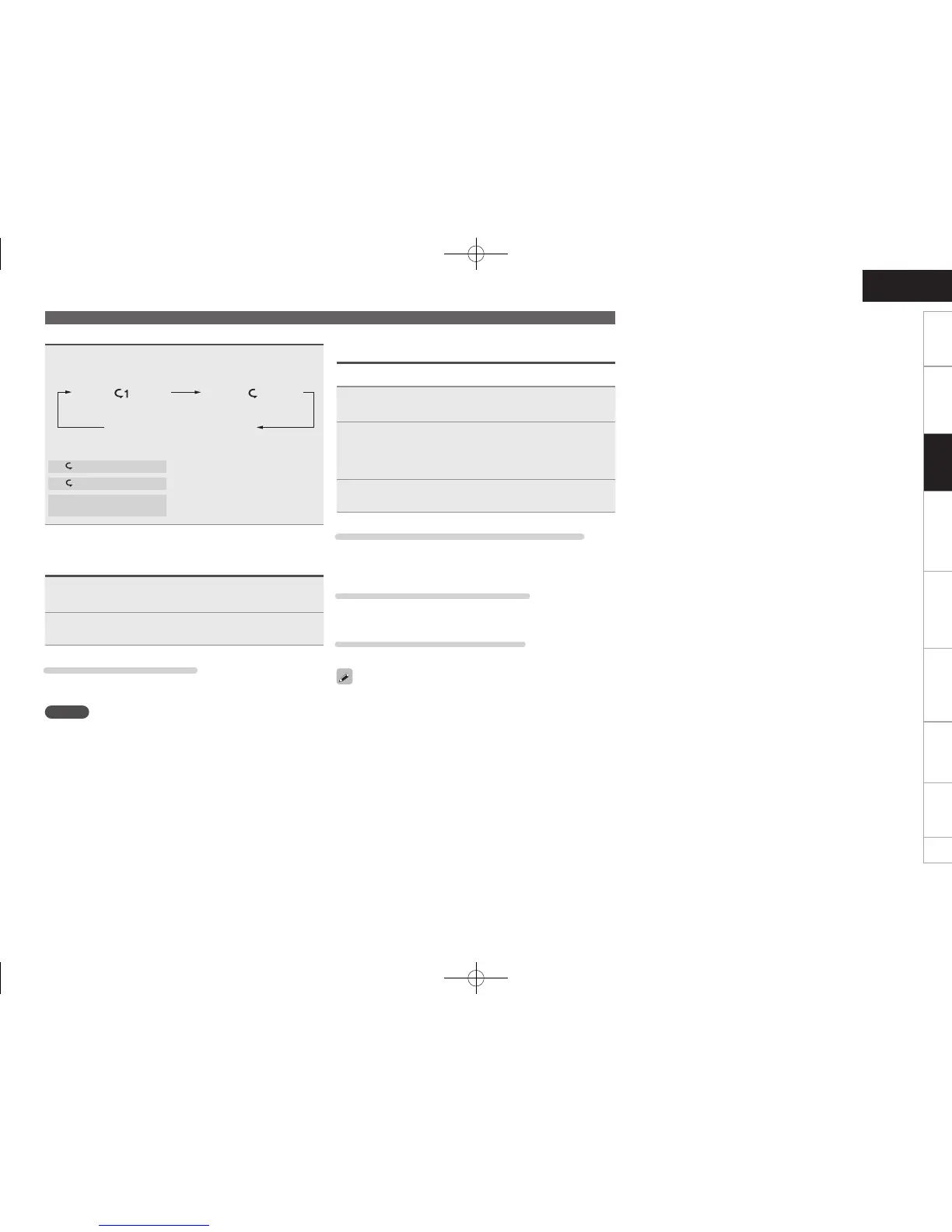
Playing repeatedly (Repeat playback)
Press [REPEAT].
Playback in the respective repeat mode starts.
1-track repeat All-track repeat
Not Displayed
(Repeat off)
[Selectable items]
1 (1-track repeat)
: Only 1 track is played repeatedly.
(All-track repeat)
: All tracks are played repeatedly.
Not Displayed
(Repeat off)
: Normal playback resumes.
Playing in random order
(Random playback)
1
In the stop mode, press [RANDOM] until “RAND”
is lights.
2
Press 1/3.
The tracks start playing in random order.
Stopping Random Playback
While stopped, press [RANDOM] once.
The “RAND” indicator turns off.
NOTE
• Direct searching is not possible during random playback.
• If [REPEAT] is pressed during random playback, after the current
session of random playback is finished, another session in a
different order of tracks starts.
Basic operation
1.DCD1510AEE2_ENG_009.indd 9 2010/02/24 8:20:59



 To Next Page