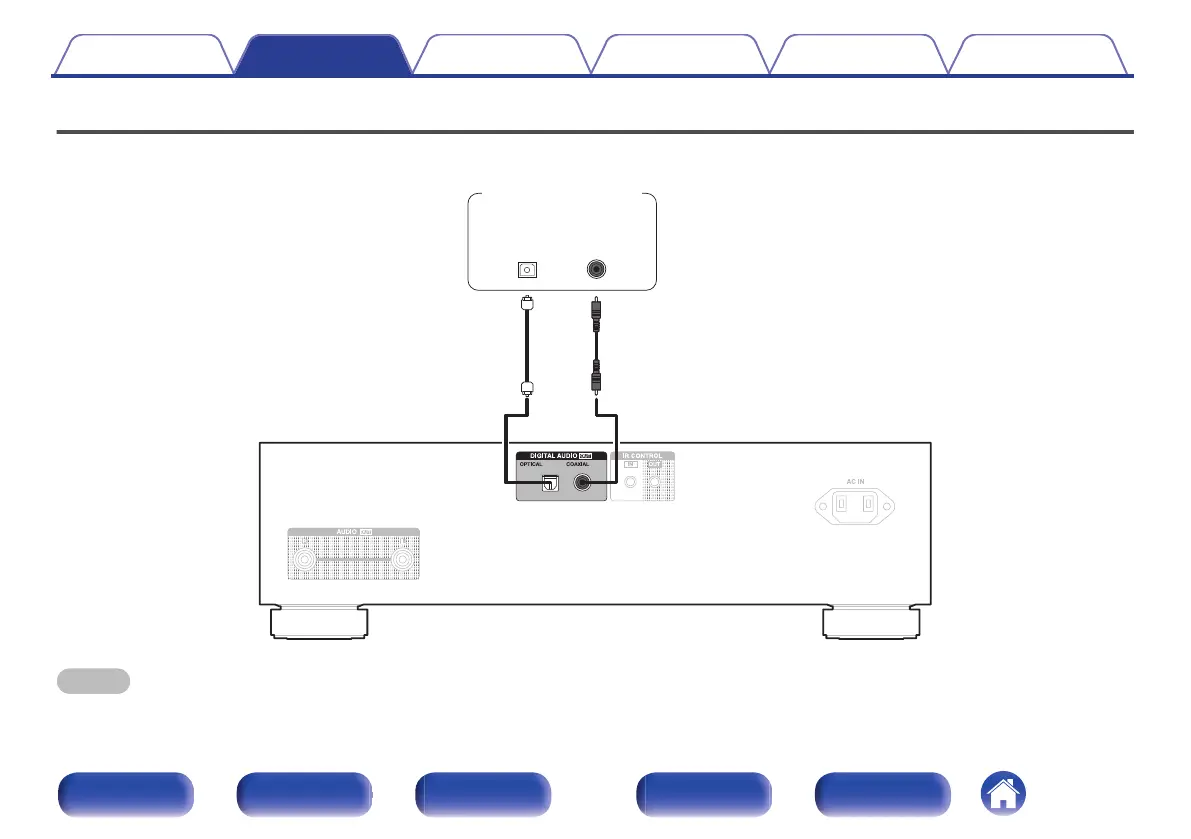
Connecting to a device with digital audio input connectors
You can enjoy digital audio playback by connecting an amplifier or D/A converter that has a digital audio connector to this unit.
COAXIAL
IN
OPTICAL
IN
Amplifier /
D/A converter
NOTE
0
Digital audio output stops during playback of the HD layer of Super Audio CDs, DSD files and files with a sampling frequency of 32 kHz.
Contents Connections Playback Settings Tips Appendix
17
Front panel Display Rear panel Remote Index



 To Next Page