G
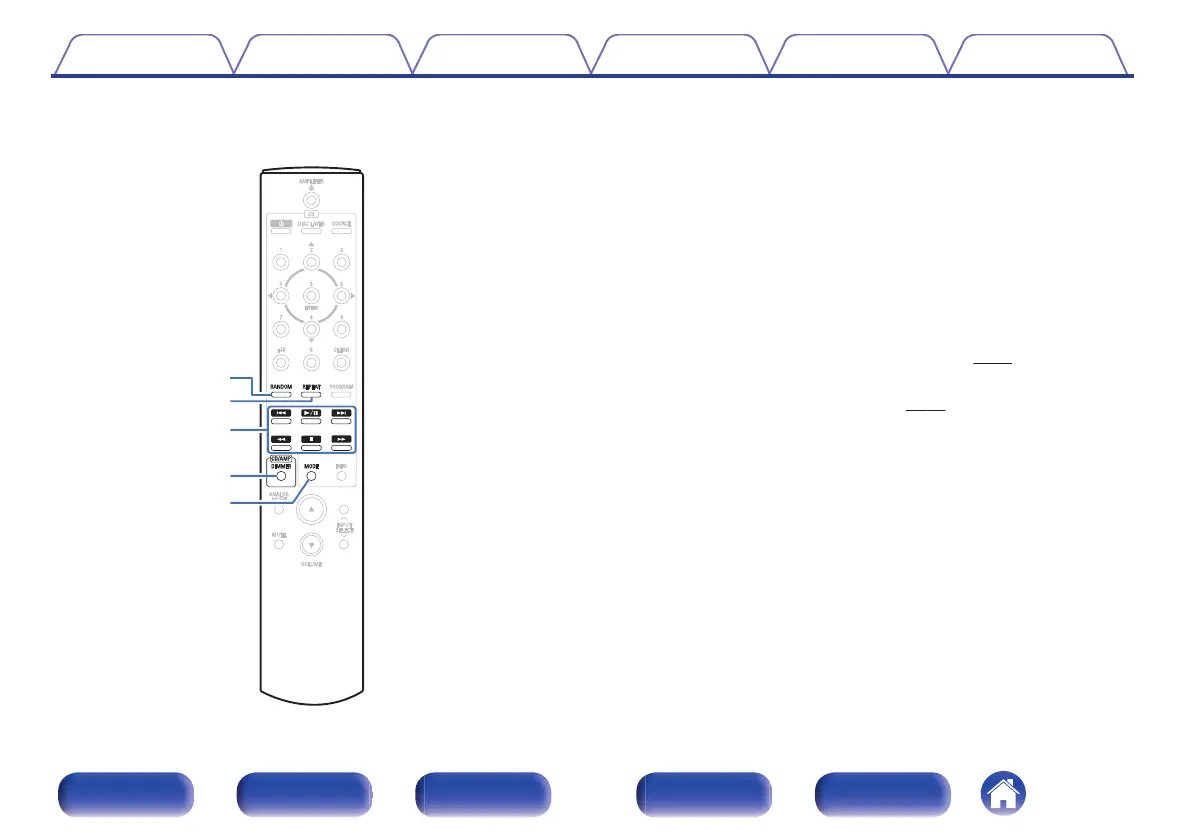
RANDOM button
Switches the random playback.
H
REPEAT button
Switches the repeat playback.
I
System buttons
These perform playback related operations.
0
Skip buttons (8 / 9)
0
Play/pause button (1 / 3)
0
Fast-reverse/Fast-forward buttons (6 / 7)
0
Stop button (2)
J
DIMMER button
This switches the brightness of the display. (v
p. 23)
K
MODE button
This switches the playback mode. (v
p. 31)
Contents
Connections Playback Settings Tips Appendix
13
Front panel Display Rear panel Remote Index



 To Next Page