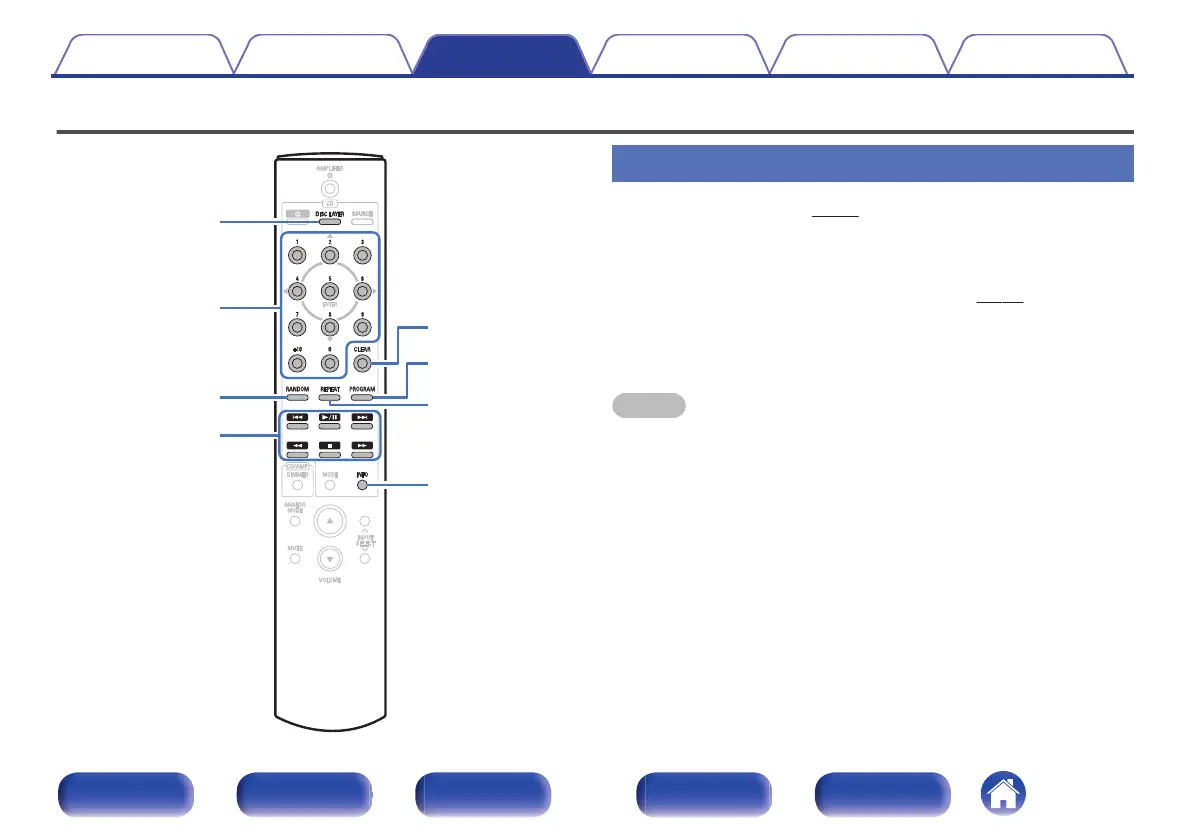
Playing CDs/Super Audio CDs
.
INFO
RANDOM
PROGRAM
CLEAR
REPEAT
0 - 9
㸩
10
1
/
3
2
8 9
6 7
DISC LAYER
Playing CDs and Super Audio CDs
1
Insert a disc. (v p. 44)
0
Press 5 on the unit to open/close the disc tray.
2
When playing back a Super Audio CD, press DISC
LAYER to set the playback layer. (v p. 24)
3
Press 1/3.
The 1 indicator lights on the display. Playback starts.
NOTE
0
Do not place any foreign objects in the disc tray. Doing so could damage the set.
0
Do not push the disc tray in by hand when the power is turned off. Doing so could
damage the set.
Contents
Connections Playback Settings Tips Appendix
25
Front panel Display Rear panel Remote Index



 To Next Page