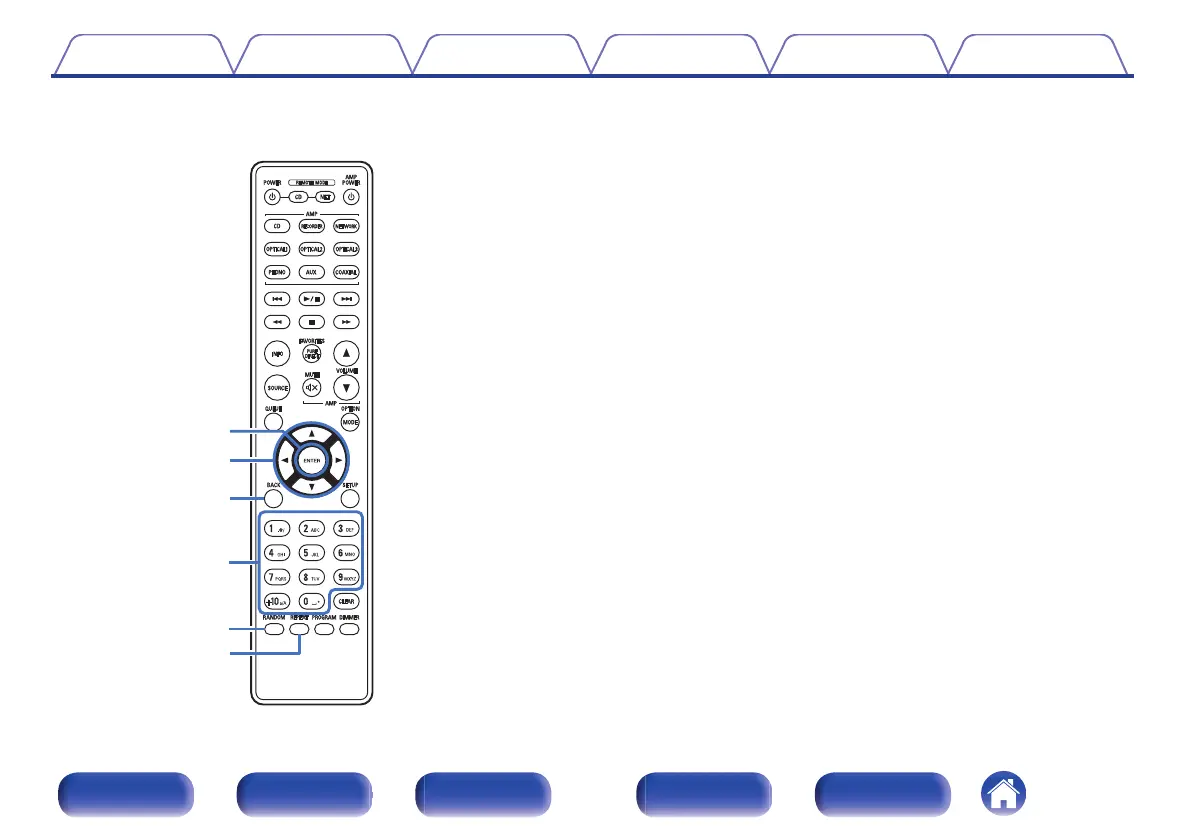
G
ENTER button
This determines the selection.
H
Cursor buttons (uio p)
These select items.
I
BACK button
Returns to the previous item.
J
Number/letter buttons (0 – 9, +10)
These enter letters or numbers into the unit.
K
RANDOM button
Switches the random playback.
L
REPEAT button
Switches to the repeat playback.
Contents Connections Playback Settings Tips Appendix
12
Front panel Display Rear panel Remote Index



 To Next Page