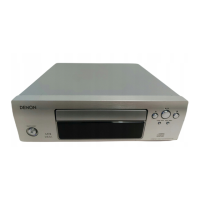
12
DCD-F107
SPECIAL MODE
No Key name Function Display
1
Service mode
• AC is turned on while pressing the 5 and 2 button
same time on DCD-F107.(Model name display)
1.1
Version No. of
main μ-com
Display mode
• Press the 9 button.
"****" : Version number of main μ-com
1.2
Version No. of
USB μ-com
Display mode
• Press the 9 button while version No. of main
μ-com is displayed.
"****" : Version number of USB μ-com
1.3 FLD check mode
• When display is version No. of USB μ-com and
the 9 button is pressed, turn on the entire dis-
play is flashing with an interval of about 1 second.
• Press the 9 button again in the turn on each
grid of FLD. (Each grid is displayed at interval of 1
second.)
2 CD test mode
• AC is turned on while pressing the 5 and 2 button
same time on DCD-F107.(Entering the Service
mode)
• Press the 2 and
/
13 button same time while
version display, FLD check mode and heat run-
mode.(CD TEST MODE display)
• Press the DISC/USB button continuously for over
3 seconds to display the version number of main
μ-com.
13 flashing
2.1 Disc loading
• Press the 5 button to open the tray.
• Set a disc on the tray, then press the 5 button
again to close the tray.
2.2 Servo check
• Press the
/
13 button. Execute the following
steps.
q LD ON (with servo still stopped)
w FOCUS ON (disc rotation, tracking off)
If no disc loaded, retry then stop.
e CLV ON
・13 flashing
q
w
e
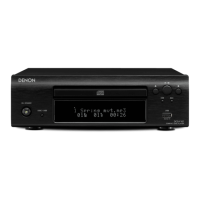
DCD-F107
Ver xxxx
USB_Ver ****
00 CD TEST MODE
01 LD ON
02 Focus ON
03 CLV ON


 To Next Page
 Loading...