Fitting your earbuds
o
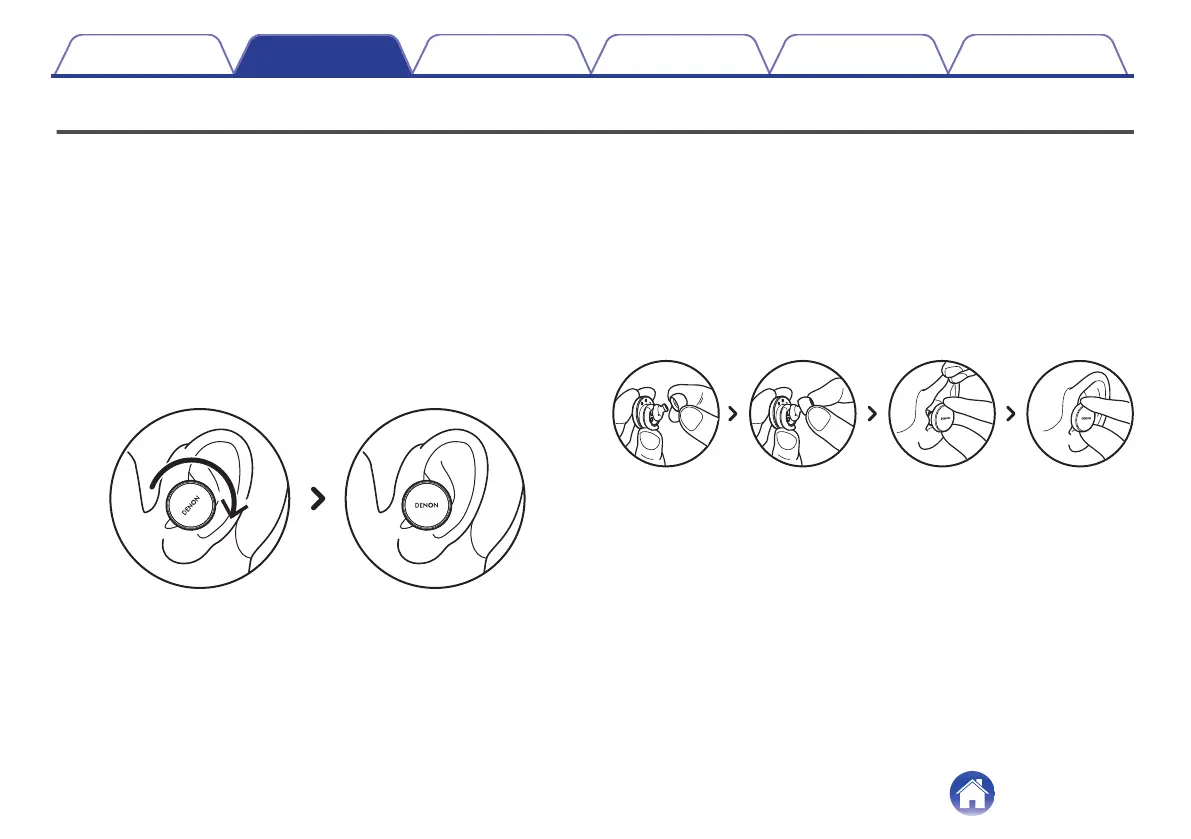
Put your earbuds on
1
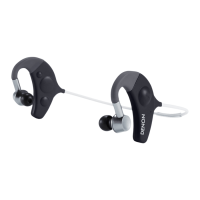
Left and Right - Hold the ear bud marked L in your left
hand, and the ear bud marked R in your right hand.
2
Adjust the fit - Insert the earbuds into your ears and
slightly twist backwards to find the right fit. Your
earbuds should feel secure and comfortable.
3
To ensure your earbuds fits comfortably, try the
different sized ear tips and wing attachments to find
what works best for you.
o
If you’re using foam tips, you’ll need to:
1
Compress the foam tip by rolling your fingers.
2
Pull your ear back. Insert the entire foam tip into your
ear and slightly twist backwards.
3
Hold in place for 15-30 seconds for foam to expand and
create a seal.
Contents Basic part Advanced part Headphones app Troubleshooting Appendix
6







 To Next Page