Getting Started Playback Information Troubleshooting
ENGLISH
Connections
SETUP
n SETUP
• Clock
· Auto Adjust
Time Zone
DST
· Manual Adjust
· 12H/24H
12H
24H
• Network Setting
Network Setting
Others
Network Info
•Firmware Update
SETUP
Use the procedures described below to make
various settings.
F Menu tree F
SETUP
a Clock
s Network Setting
d Firmware Update
Time Zone
: Choose the region in which the set is installed in order
to correct for the time difference.
DST
: Make the daylight saving time setting.
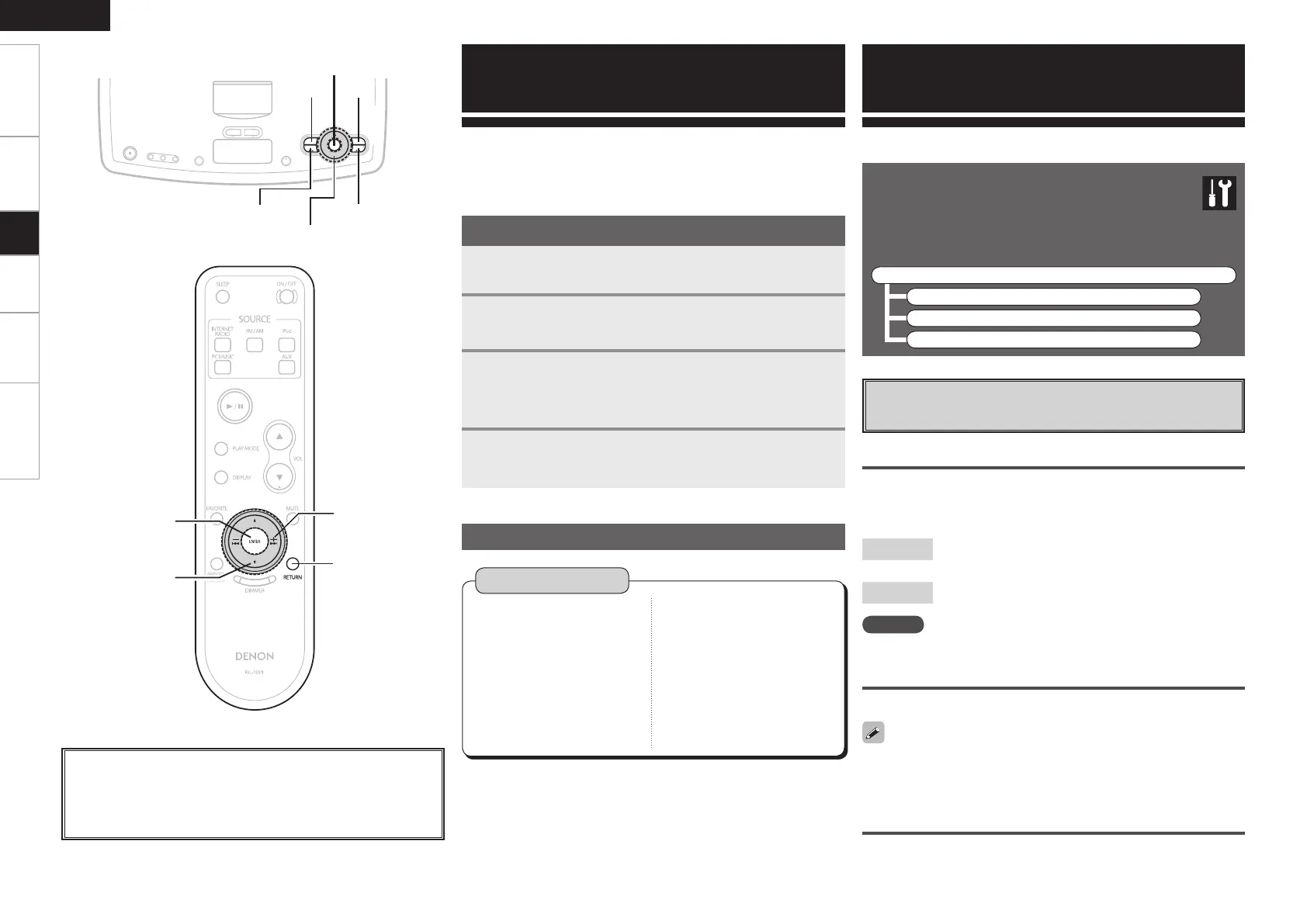
With the S-32, settings and operations for most functions can be
performed by operating while looking at the menu displayed on the
display.
Menu Operations
1
Press <SOURCE>.
The menu is displayed.
2
Turn <Multi Jog> or press 8 9 to select
“SETUP”, then press ENTER.
3
Turn <Multi Jog> or press [ui] to select the menu
to be set or operated.
b To return to the previous item, press
RETURN
.
4
Press ENTER to enter the setting.
Operations
Menu Map
Setup
a
Clock
Use this procedure to set the time.
Auto Adjust
Connect to the network to set the current time automatically.
[Selectable items]
NOTE
Network connections are required.
Manual Adjust
Set the current time manually.
When setting the time, turn <Multi Jog> on the main unit clockwise
to move the time forward, counterclockwise to move the time
backward.
12H/24H
Choose whether to display the time in the 12-hour or 24-hour mode.
<Multi Jog>
<SOURCE>
ENTER
8 9
RETURN
About the button names in these explanations
< > : Buttons on the main unit
[ ] : Buttons on the remote control unit
Button name only:
Buttons on the main unit and remote control unit
Setup



 To Next Page