EasyManua.ls Logo

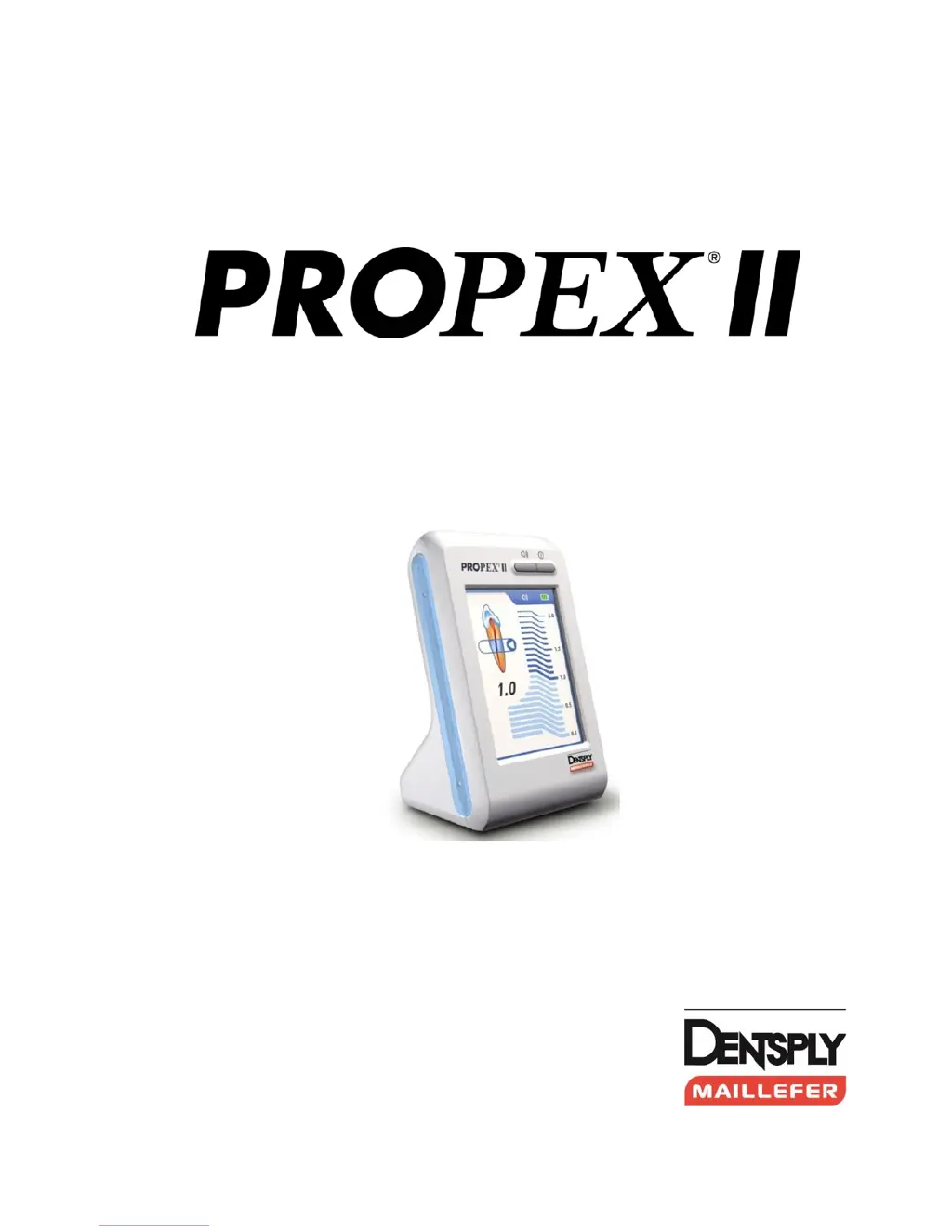
DENTSPLY PROPEX II - User Manual

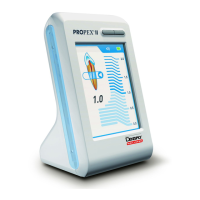
DENTSPLY PROPEX II
31 pages
Print Icon
To Next Page IconTo Next Page
Loading...
FISDR-ISR / F1902127X / 03 /2012 updated 01/2016
APEX LOCATOR
User Manual

Questions and Answers

  • K
    Kristy HernandezAug 14, 2025
    What to do if DENTSPLY Medical Equipment indication of file position is not steady during the procedure?
    • M
      Michael ClineAug 14, 2025
      If the indication of file position is unsteady during the procedure, here are a few things to consider: * Ensure good contact between the lip clip and the oral mucosa by placing the lip clip in the labial angle opposite the tooth being treated. * Clean the connection hook with Ethanol. * Block any external conductive paths if deep caries are present. * If there is a perforation, remove the file, close the perforation, and carefully repeat the apex detection procedure, re-inserting the file into the canal. * If a large lateral canal is present, try gently advancing the file to continue the procedure.
  • A
    ana28Aug 21, 2025
    What to do if DENTSPLY PROPEX II Medical Equipment does not show file progression inside the canal?
    • G
      Gloria PalmerAug 21, 2025
      If your DENTSPLY Medical Equipment isn't showing file progression inside the canal, consider the following: * Ensure good electrical contact. Perform the cable connection test. * Verify that the connection hook is properly connected to the metal part of the file below the plastic handle. * If the root canal is obliterated, check the comparative X-ray image for hints. * In the case of re-treatment, old filling material residues may be blocking the root canal. Remove any old root filling material residues before proceeding.
  • M
    Misty KingAug 25, 2025
    What to do if DENTSPLY PROPEX II Medical Equipment shuts off during the procedure?
    • Q
      qpettyAug 26, 2025
      If your DENTSPLY Medical Equipment shuts off during a procedure, the battery may be low. Charge the battery.
  • N
    Nicholas PotterAug 29, 2025
    What to do if DENTSPLY Medical Equipment does not turn on?
    • D
      Danielle HallAug 29, 2025
      If your DENTSPLY Medical Equipment doesn't turn on when you press the “ON / OFF” button: * The battery may be discharged, so charge the battery. * There could be a button malfunction, so try pressing the “ON/OFF” button several times. * If neither of these steps works, there may be an electronic malfunction. In that case, contact your distributor.
  • G
    Gerald RiosSep 1, 2025
    What to do if DENTSPLY Medical Equipment makes triple beep signal during battery charging?
    • K
      Kevin GrossSep 1, 2025
      If your DENTSPLY Medical Equipment is emitting a triple beep signal during battery charging: * The battery might not be connected. Open the battery compartment and connect the battery. * The battery might not be a rechargeable type. Replace it with a rechargeable type. * The battery could be bad. Replace it with a new one.
  • T
    Trevor BrownSep 5, 2025
    Why is there no sound during the procedure with DENTSPLY Medical Equipment?
    • A
      abrockSep 5, 2025
      If there is no sound during the procedure when using your DENTSPLY Medical Equipment, the sound control may be set to the “Mute” level. Adjust the sound level.
  • B
    bradylisaSep 9, 2025
    What to do if the battery charging screen does not appear when the charger is connected to DENTSPLY PROPEX II Medical Equipment?
    • J
      Jessica SmithSep 9, 2025
      If the battery charging screen does not appear when you connect the charger to your DENTSPLY Medical Equipment: * There may be a bad charger connection. Disconnect the charger from the device and reconnect it. * The charger itself may be malfunctioning. Replace the charger. * There could be an electronic malfunction. Contact your distributor.
  • W
    William McleanNov 16, 2025
    Why DENTSPLY PROPEX II Medical Equipment display reaction is over-sensitive?
    • T
      Tyler BlakeNov 16, 2025
      An over-sensitive display reaction on your DENTSPLY Medical Equipment, where the apex/over is activated prematurely, can be due to several factors: * Excess liquid (irrigation solution, saliva, blood) in the pulp chamber can cause a short circuit. Dry the access cavity using a cotton pellet or air-blower, and if there's excess bleeding, wait for it to stop. * Direct contact of the file with the gingiva or gingival proliferations (e.g., a fractured metal crown) can cause the issue. Ensure adequate preparation filling and use a rubber dam for isolation. * Direct contact of the file with metal restorations (crown, parapulpal post, amalgam filling) can also lead to this problem. Isolate the file by placing 2-3 silicone stoppers on it or insert the file in a small polyvinyl tube before u...

Summary

Introduction and Indications

Indications for Use

Specifies the intended applications and environments for the device.

Safety and Contraindications

Contraindications

Lists patient conditions or situations where the device should not be used.

Warnings

Alerts users to potential hazards, incorrect readings, and environmental interference.

Precautions and Adverse Reactions

Precautions

Details important considerations and factors affecting device accuracy during use.

Adverse Reactions

Describes potential negative outcomes if incorrect readings occur.

Step-by-Step Operating Instructions

Device Content and AC Adapter Connection

Lists included equipment and guides initial connection of the AC plug adapter.

Battery Charging and Replacement

Explains how to recharge the battery and replace it if necessary.

Getting Started and Initial Setup

Guides the user through the initial device activation and connection of accessories.

Apex Localization Procedure

Details the process of searching for and identifying the apex in the root canal.

Device Operation Features

Covers sound adjustment, demo mode, and automatic shutdown functions.

Maintenance and Technical Information

Details device maintenance, warranty, technical specifications, and standard symbols.

Accessory Disinfection, Cleaning, and Sterilization

General Recommendations and Safety

Outlines user responsibility, PPE, and approved disinfecting solutions for accessories.

Accessory Reprocessing Procedure

Details steps for cleaning, rinsing, disinfecting, and sterilizing device accessories.

Troubleshooting and Product Disposal

Troubleshooting Common Issues

Provides solutions for problems like charging errors, device not turning on, or no sound.

Product Disposal Guidelines

Instructs users on proper recycling and disposal of the product and its components.

Electromagnetic Compatibility (EMC)

EMC Emissions Declarations

Details the product's RF emissions compliance and suitability for different environments.

EMC Immunity and Separation Distances

Covers immunity to electromagnetic fields and recommended distances from RF equipment.

DENTSPLY PROPEX II Specifications

General IconGeneral
TypeApex Locator
ManufacturerDENTSPLY
DisplayLCD
Automatic CalibrationYes
Audible FeedbackYes
Power SourceBattery
Operating ConditionsTemperature: +10°C to +40°C, Humidity: 30% to 75%

Related product manuals