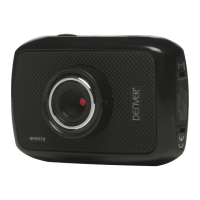
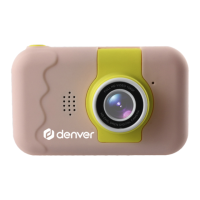
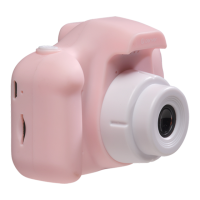
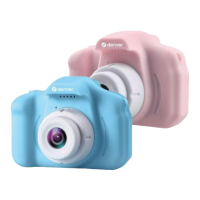
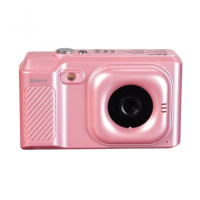
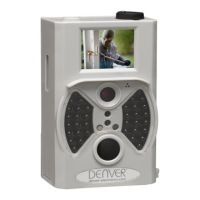
ACT-1301 Quick Start Guide
ENG-2
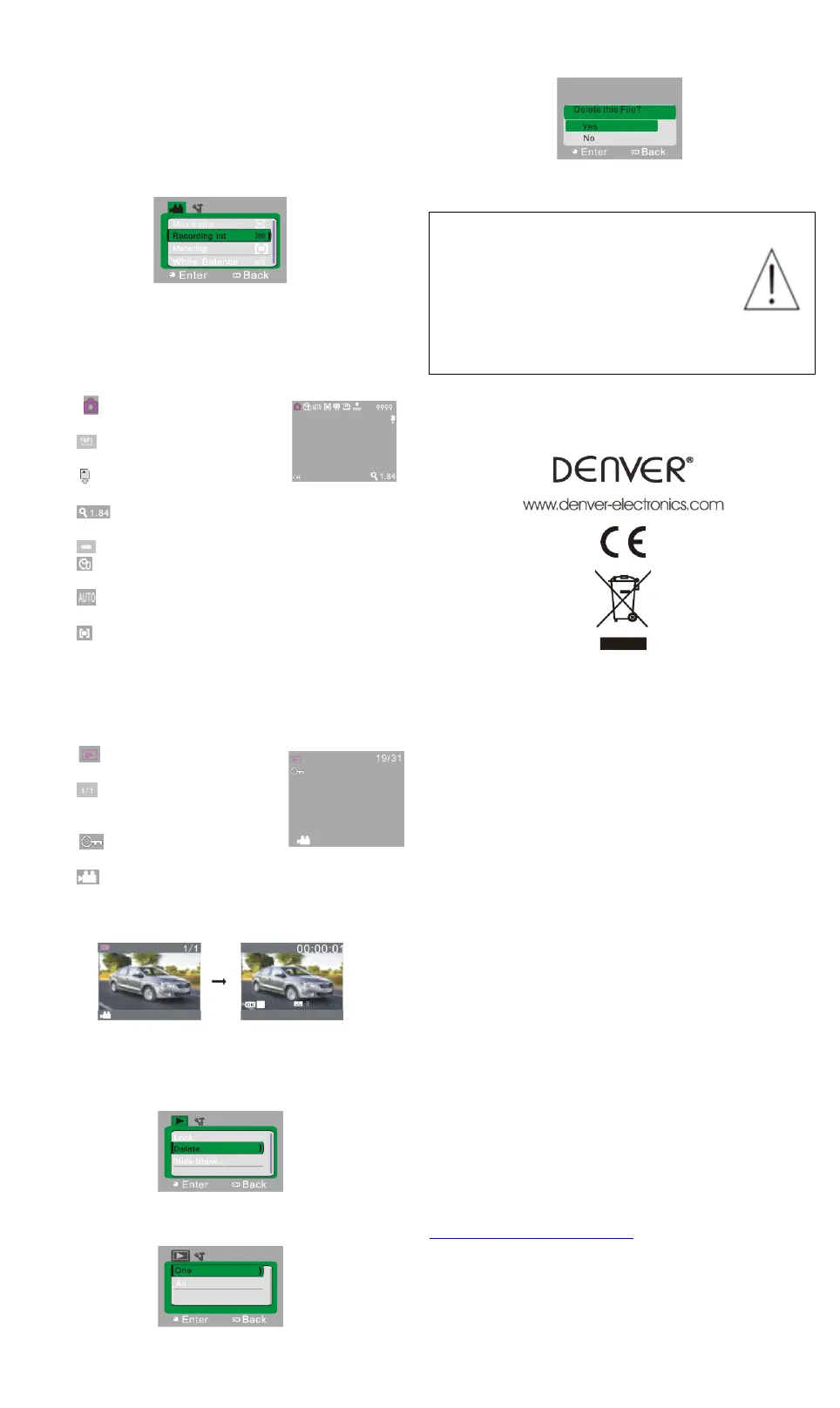
Video menu setup
In video mode, press OK key to open menu, and then press Up
and Down key to select menu. When selecting menu,
background of the selected item will be highlighted. Press
Shutter to enter sub-menu. In sub-menu, press Up and Down
key for selection, press Shutter for confirmation and back to
main menu. In the main menu, press OK key to exit from the
menu.
▲Video menu
7. Capture mode:
Push Mode switch to Capture mode. Press Shutter once in
preview state for a picture taken:
1 9999: Counter: indicates quantity of pictures available
to be taken.
2 : mode icon: indicates it is
currently the mode of capture.
3 : movie size: click this icon to
select among 1M/3M/5M.
4 : indicates currently a memory
card is inserted.
5 : magnification of digital zoom: press Up and down
key to adjust zoom among 1x-4x.
6 : battery icon: indicates current battery level.
7 :Self-timer icon: indicates the current self-timer mode is
set to 10 seconds.
8 : white balance icon: indicates the current white balance
mode is automatic.
9 :metering icon: indicates it is currently the pan overall
perspective metering.
8. Playback mode:
8.1 After power-on, push Mode switch back to Playback
mode:
1 : mode icon: indicates it is
currently the mode of playback.
2 : Indicates that there is one file
in current folder/totally
one folder.
3 : indicates that the current
folder is locked.
4 : indicates the current file is a video file.
8.2 Play movie clips:
During playing, press Shutter key to play, press Up key for pause,
press Shutter key to stop playing.
8.3 Delete file:
1) After selecting the file to be deleted, open the menu, press Up
and Down key to select “Delete”.
2)Press Shutter key to enter, after selecting “One”, press Shutter
key for confirmation). “All” means to delete all files.)
3) After selecting “Yes”, press Shutter key to delete the file. When
the file is deleted, press OK key to exit from the menu.
Warning
• Lithium battery inside!
• Do not try to open the product!
• Do not expose to heat, water, moisture, direct
sunlight!
• Only charge with the original adaptor supplied
with this product!
ALL RIGHTS RESERVED, COPYRIGHT
DENVER ELECTRONICS A/S
Electric and electronic equipment and included batteries contains
materials, components and substances that can be hazardous to
your health and the environment, if the waste material (discarded
electric and electronic equipment and batteries) is not handled
correctly.
Electric and electronic equipment and batteries is marked with the
crossed out trash can symbol, seen below. This symbol signifies that
electric and electronic equipment and batteries should not be
disposed of with other household waste, but should be disposed of
separately.
As the end user it is important that you submit your used batteries to
the approriate and designated facility. In this manner you make sure
that the batteries are recycled in accordance with legislature and will
not harm the environment.
All cities have established collection points, where electric and
electronic equipment and batteries can either be submitted free of
charge at recycling stations and other collection sites, or be collected
from the households. Additional information is available at the
technical department of your city.
Imported by:
DENVER ELECTRONICS A/S
Stavneagervej 22
DK-8250 Egaa
Denmark
www.facebook.com/denverelectronics


 To Previous Page
 Loading...