ENG-
4
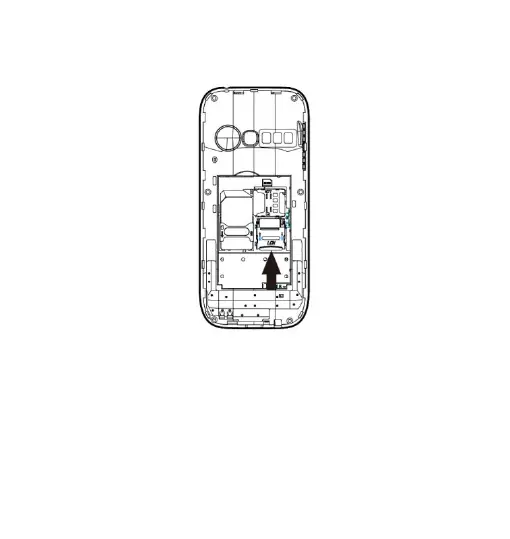
shown, with the golden contacts facing down.Open the metal
shutter by pushing it towards "open", and lock it again after
inserting the card by pushing it in the opposite direction ("lock").
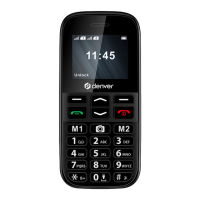
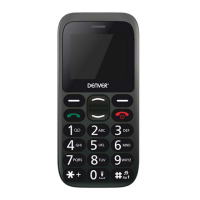
Turn ON / Turn OFF: To turn on and turn off the phone, press
and hold the red end call key.
Lock and unlock keypad: Press the left soft key and * key to
lock/unlock the phone.
Connect to a PC: Use an USB cable to connect the product to a
computer.Select Mass Storage on your phone. You can save


 To Next Page