ENG-1
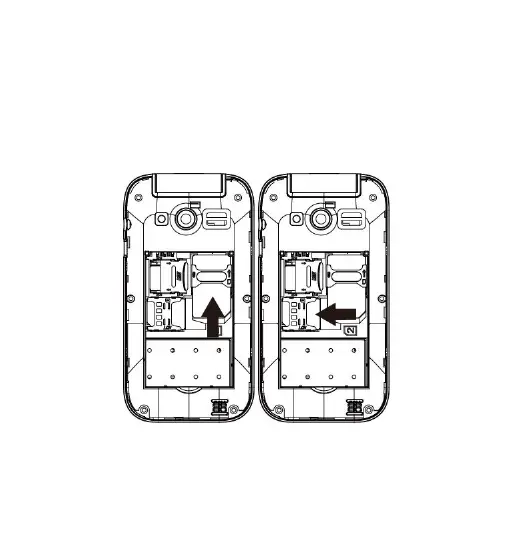
Insert the SIM card: The SIM card links to operator services
and stores information such asyour phone number, PIN code,
contacts and SMS messages. To access the SIM slot, turn off
the phone and lift up the cover starting from the slit on the
bottom left corner. Remove the battery. Insert the SIM card into
the slot with the gold contacts facing down.


 To Next Page