ENG-3
2. Functions
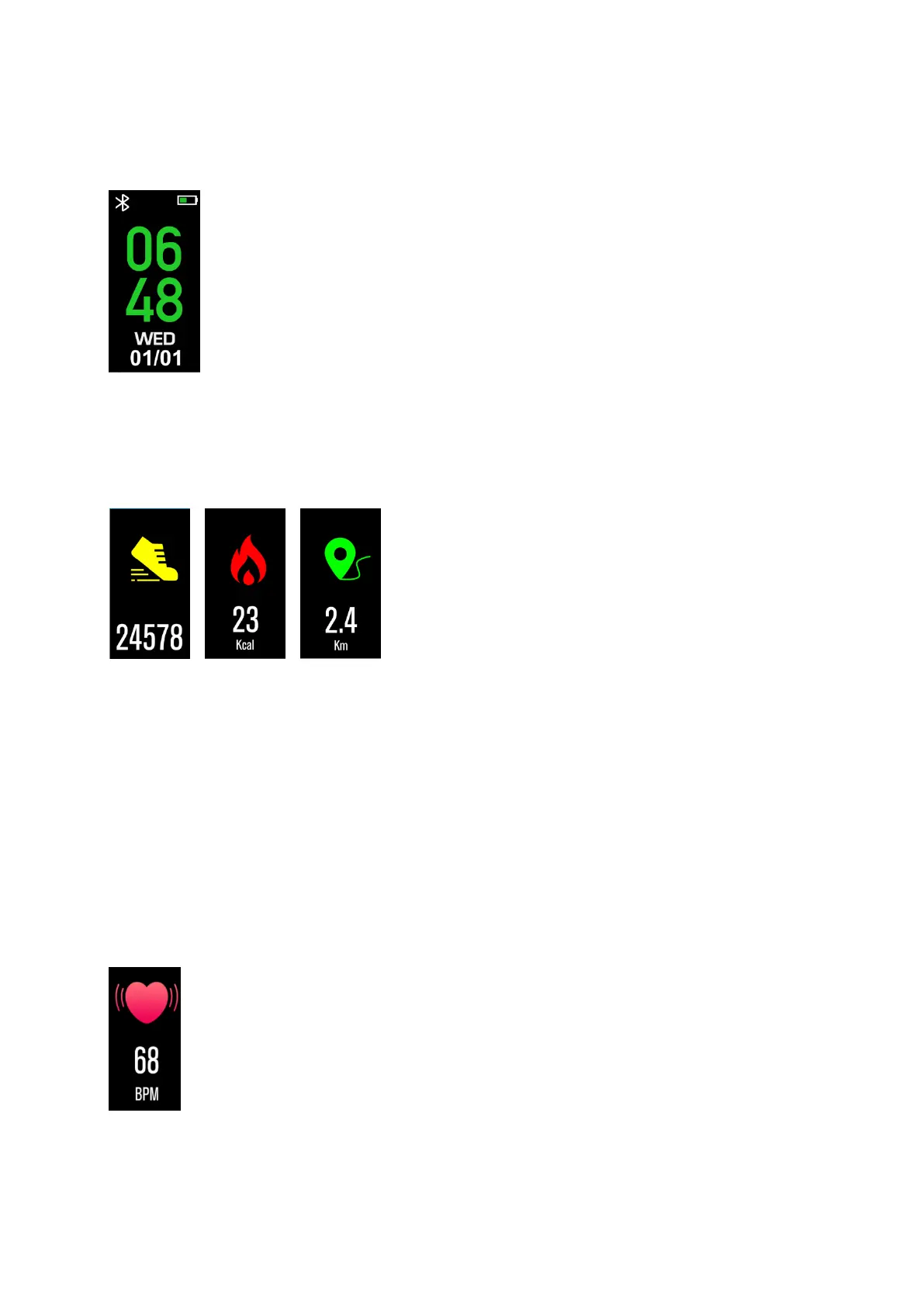
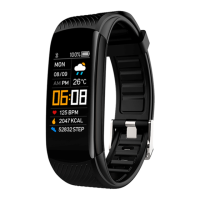
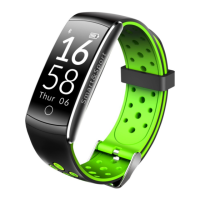
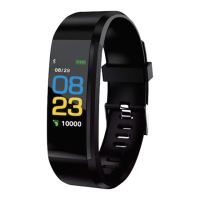
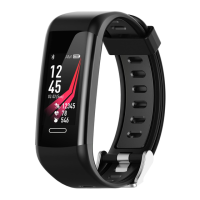
Watch face
You can press the touch button for a long time to change the
dial and press the touch button to select your favorite dial.
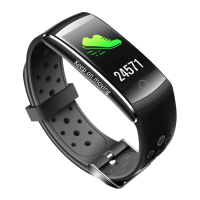
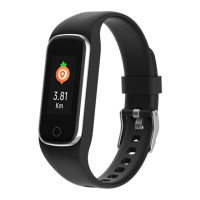
Pedometer
The bracelet will record your daily activity automatically.
Press touch button: switch between steps, calories and distance
interface
After sync with Denver Smart Life APP, you can check your sport
data on your smart phone.
Heart rate
Start testing by switching to the heart rate interface with a
touch button.
After sync with Denver Smart Life, you can check your heart rate
data on your smart phone.


 To Next Page