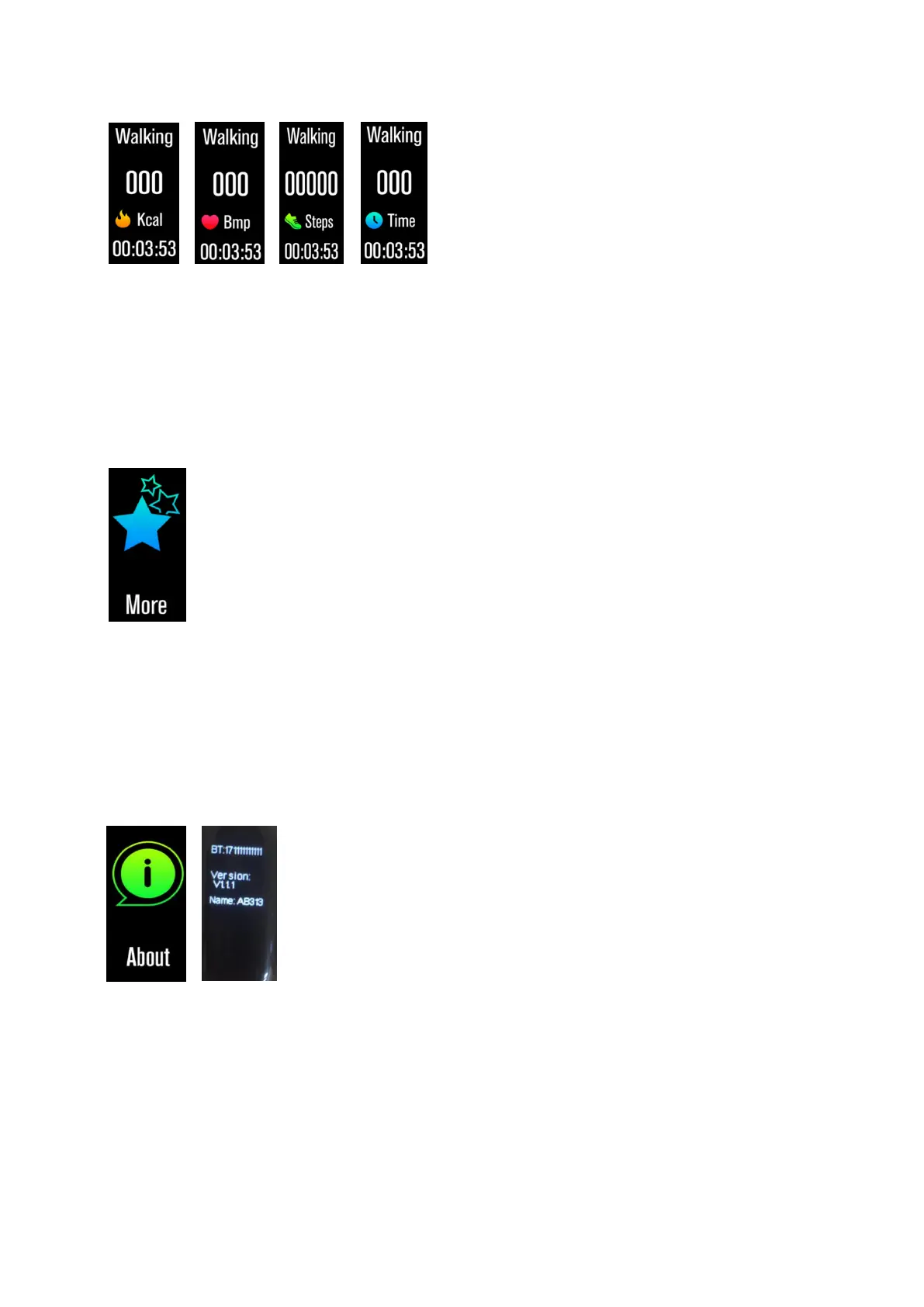
ENG-5
the bracelet will record the data of the sport.
When you want to complete this exercise, you can press the
touch button to stop your movement and save it.
PS: If the sport time is less than 1min, the data will not be
saved.
More
Long press the touch button to enter the functional interface.
There is a "about" and "shut down" interface.
About
Long press the touch button, you can check your bracelet's BT
Mac address, device name and firmware version.
Power Off
Long press touch button and you can turn off your bracelet.


 To Next Page