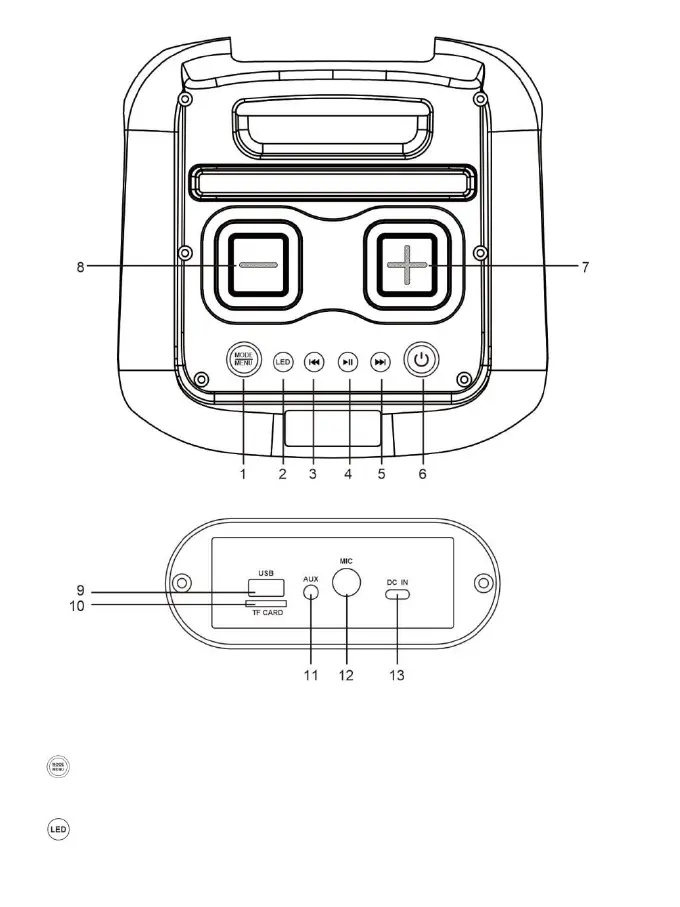
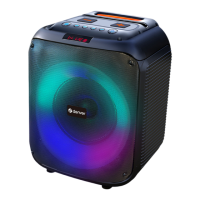
Control Panel:
1. : Long press to switch between operating modes: BT mode, TF card mode, U disk mode,
AUX mode. Short press to switch between volume control of microphone, Treble, Bass, Echo.
2. : Short press the button to select the LED light mode; long press to turn OFF the light, short


 To Next Page