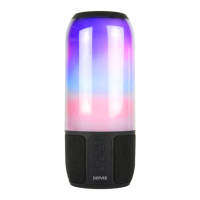
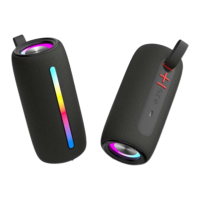
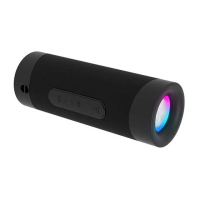
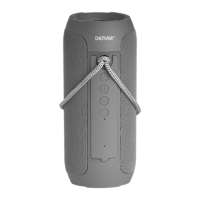
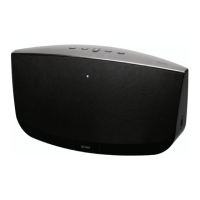
Product Overview & Remote Control
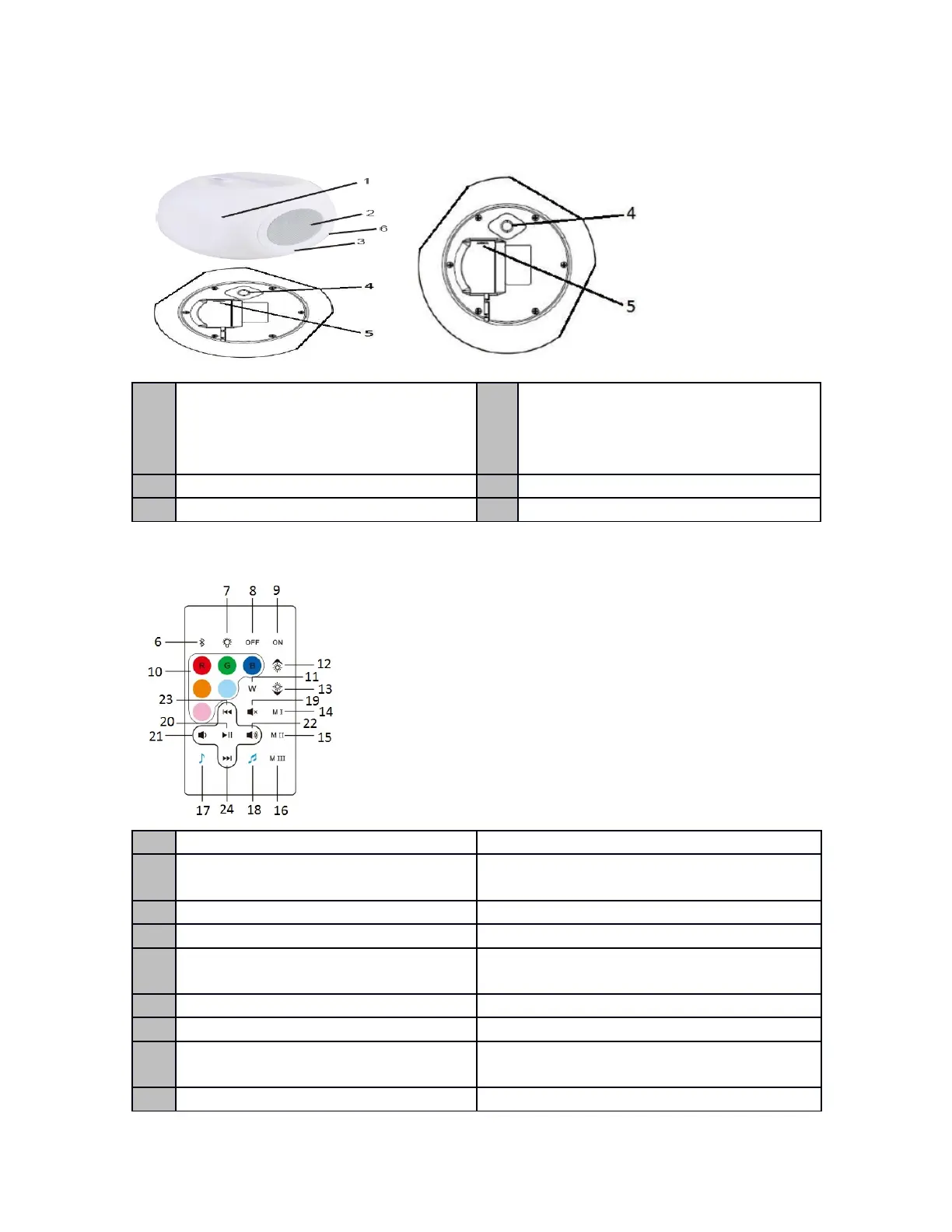
1 LED light 4 Power ON/OFF button and color
changing (press and hold to turn on
or off the unit, short press to change
the color)
2 Speaker 5 DC charging port
3 LED charging indicator 6 Remote senor
Remote Control
No Function Operation
6 Bluetooth connection/disconnection Short press for Bluetooth disconnection to
enter the pairing mode.
7 Light on/off Short press to turn light on/off
8 Power off (standby) To turn off the power
9 Power on (valid only when the
speaker is in standby mode)
To turn on the power
10 Color selection To select color light
11 White light To change to white color LED light
12 Increase the light (valid for R/G/B
light only)
Short press to increase the light brightness
13 Decrease the light (valid for R/G/B Short press to decrease the light
2



 To Next Page