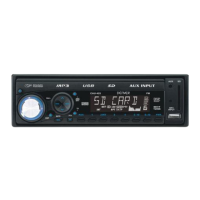
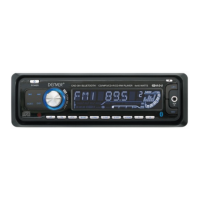
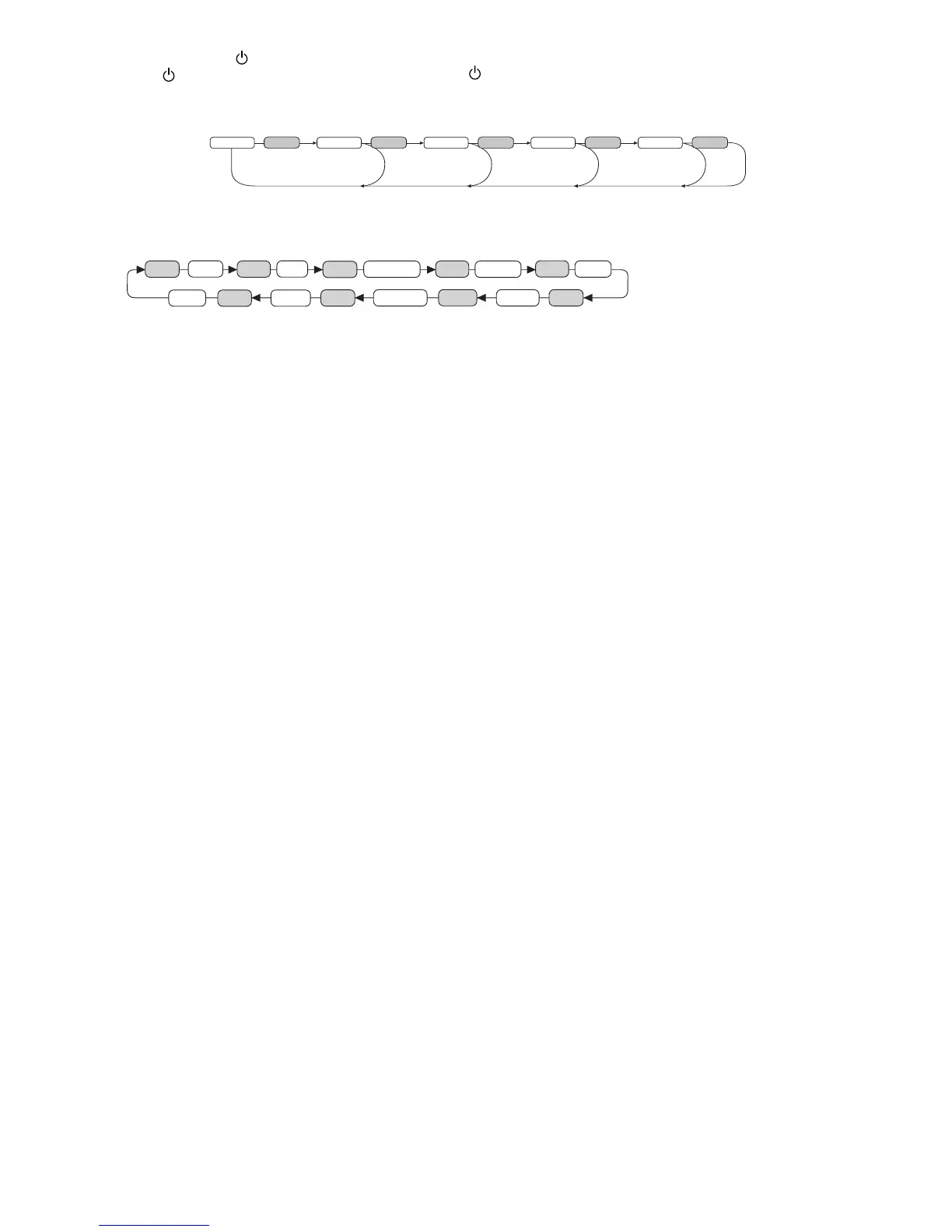
Press and hold VOL to adjust TA/PI/RETUNE/MASK/EON/BEEP/TA VOL/ADJ/DSP
TA SEEK/ALARM
TA SEEK mode: When newly turned station does not receive TP information for 5 sec., the radio retunes to next station which has not
the same station (PI) as the last station, but has the TP information.
In TA seek mode, the current station can be changed to the completely different station because the unit searches TP station when the
eld strength of the current station is very weak, or the current station has no TP signal.
TA ALARM mode: Any automatic retune mode is not activated, just can hear Beep sound.
PI SOUND
Action when 2 stations with different programme identication (PI) codes are on the same frequency:
SOUND: The radio switches to the new channel for a few seconds and then switches back again
MUTE: The radio is muted
RETUNE L/S
RETUNE L: Select 90 seconds as the initial time of automatic TA search.
RETUNE S: Select 30 seconds as initial time.
MASK DPI/ALL
MASK DPI: masked only the AF which has different PI.
MASK ALL: masked the AF which has different PI and NO RDS signal with eld strength.
EON
Selected EON condition, ON or OFF.
BEEP
ALL: Button sound is on permanently
2nd:
Button sound is triggered by secondary button functions (hold button down for a while)
OFF: Button sound is off
TA VOL
Trafc Announcement Volume
ADJ
Digital Clock. To adjust, turn VOL knob to right for hours and turn VOL knob to left for minutes.
DSP Modes
CLASSIC, ROCK, POP, FLAT, NONE
4. PRESET STATIONS (1,2,3,4,5,6)
When pressed short, these keys select a preset station directly. When pressed longer than 1 sec., current station is stored in preset
memory bank
USING THE RDS FUNCTION
What is RDS?
The RDS (Radio Data System) is a digital information system developed by the EBU (European Broadcast Union). Piggy-backed on normal
FM broadcasts, RDS offers a variety of information services and automatic retuning functions for RDS-compatible car stereos.
In 1988, RDS became available in the United Kingdom, France, West Germany, Ireland and Sweden. Test transmissions are being conducted
in many other european countries. It is expected that RDS will be available in most western european countries in the near future.
5. ‘AF’ function (ALTERNATIVE FREQUENCIES)
When pressed short, AF switching mode is selected.
When AF switching mode is selected, the radio checks the signal strength of the AF all the time.
6. ‘TA’ function (TRAFFIC ANNOUNCEMENT)
When pressed short, it is activated as TA mode on or off
When TA mode is on and trafc announcement is transmitted
– If the volume level was under the threshold point, it will be raised to the threshold point.
– When TP station is received, TP segment is turned on in LCD display.
7. ‘PTY’ function (PROGRAM TYPE)
Each press of PTY button will toggle between PTY Music, PTY Speech and PTY Off.
When PTY Music is selected, press Buttons (1-6) for desired program types. Unit automatically search for corresponding programs.
1 Pop M, Rock M 2 Easy M, Light M 3 Classics, Other M
4 Jazz, Country 5 Nation M, Oldies 6 Folk M
When PTY Speech is selected, press Buttons (1-6) for desired program types. Unit automatically search for corresponding programs.
1 News, Affairs, Info 2 Sport, Educate, Drama 3 Culture, Science, Varied
4 Weather, Finance, Children 5 Social, Religion, Phone IN 6 Travel, Leisure, Document
Tips: Since each button number can store multiple program types, i.e. Button 1 stores Pop and Rock music, to switch between Pop
and Rock music, simply press button 1 repeatedly until the desired program type shows in display.


 To Next Page
 Loading...