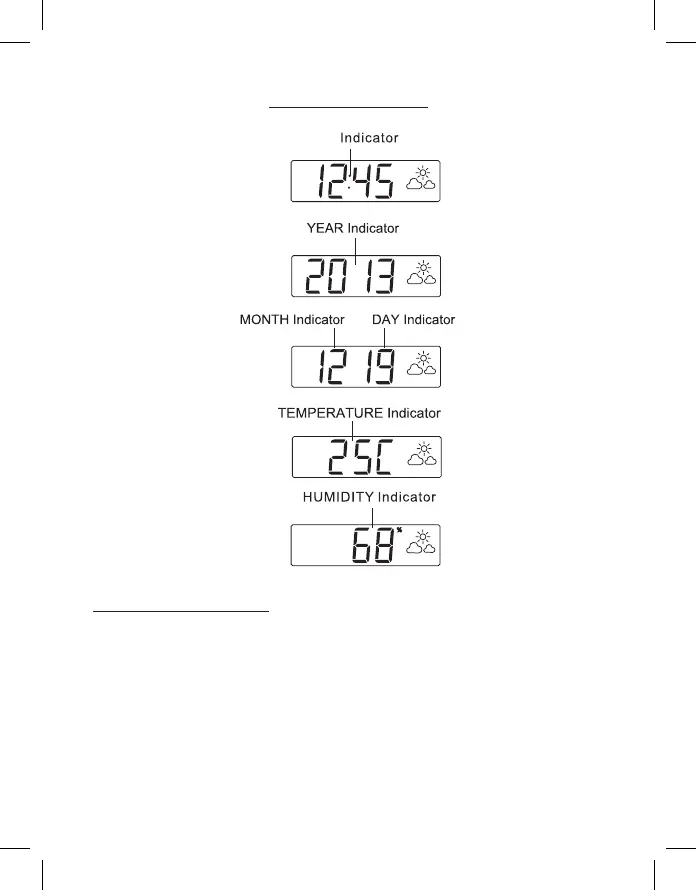
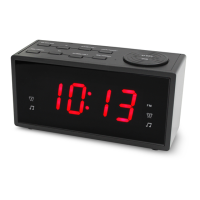
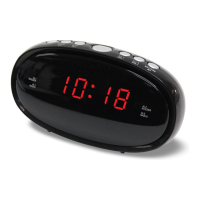
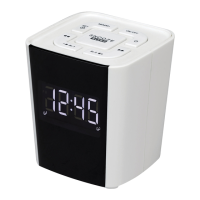
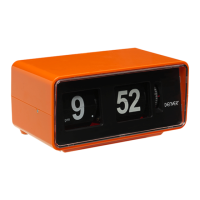
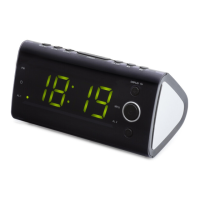
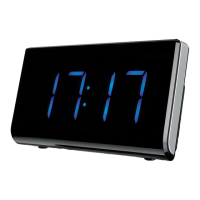
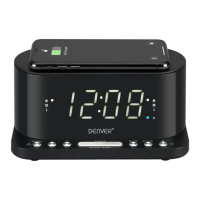
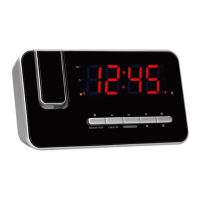
LED DISPLAY MODE
POWER CONNECTION
Plug the AC power cord to a household outlet AC source. This unit
is equipped with a battery back up system, it requires a 3V CR2032
at lithium battery (not included). Insert the battery in the battery
compartment, making certain that the positive and negative (+ and -)
battery terminals are attached to the corresponding terminals on the
plate in the battery compartment. If an AC power failure occurs, the
clock automatically switches to the battery power supply, the clock and
timer memory continue running. When the AC power resumes, the
clock switches back to AC again.
TIME


 To Next Page