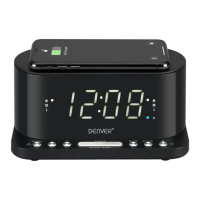
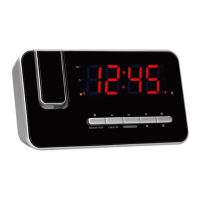
TIME AND CALENDAR MANUAL SETTING
Setting Time and Calendar
Press Clock ADJ. (12) button in standby mode and keep depress over
2 seconds to enter time set mode, after enter the setting mode, press
Clock ADJ. button (12) to change the mode cycle as follows:
Normal → Year → Month → Day → 12/24 H format → Real time Hour
→ Real time Min → Normal
Action (during data adjustment):
- Press << / Tune - button (8) to adjust data backward.
- Press >> / Tune + button (9) to adjust data forward.
- Keep depressed << or >> button for 2 seconds to enable auto
forward.
- Use Clock ADJ. (12) button to conrm each setting.
ALARM SETTING
Setting Alarm 1 and Alarm 2
Press the alarm set button (6/7) during normal mode to show
the alarm time. Afterwards keep depress the alarm set button
(6/7) over 2 seconds to enter the alarm set mode. After enter
the setting mode, press the alarm set button (6/7) to change the
mode cycle as follows :
Normal → ALARM 1 Hour → ALARM 1 Min → ALARM 1 weekday
Alarm → ALARM 1 wake beep → ALARM 1 wake radio → ALARM 1
wake radio volume →Normal.
Normal → ALARM 2 Hour → ALARM 2 Min → ALARM 2 weekday
Alarm → ALARM 2 wake beep → ALARM 2 wake radio → ALARM 2
wake radio volume →Normal.
Select alarm weekday mode as follows:
1-5: Monday to Friday
1-7: Whole week
6-7: Saturday & Sunday
1-1: One day of week


 To Next Page