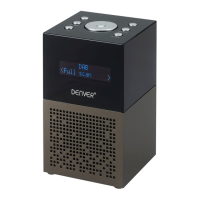
11. SLEEP button
12. Display
13. Speaker
14. Antenna
15. Headphone jack
16. USB jack (for charging external devices)
17. DC IN jack
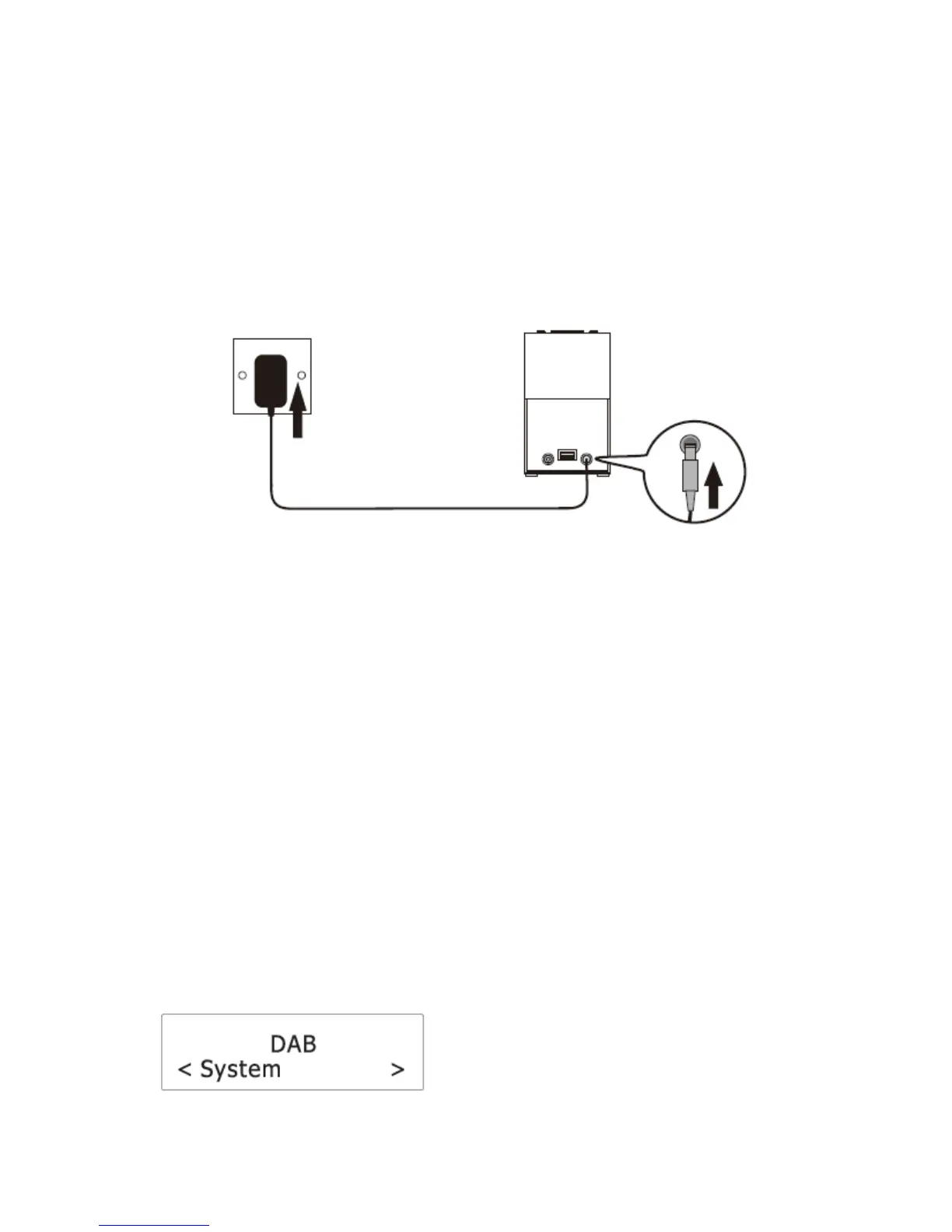
Connecting to power
1. Connect the cord of the power adapter to the DC IN jack of the radio.
2. Connect the plug of the power adapter to a wall socket.
The radio is powered and in standby mode when you see the display is switched on.
Turning on or off
1. Press the POWER button in standby mode to turn the radio on.
2. Press and hold the POWER button when the radio is turned on to switch it to standby
mode. The time show on the display in standby mode.
To completely disconnect the radio from power, remove the plug of the power adapter
from the wall socket.
Setting the clock
The date and time of the radio is automatically set once it receives radio broadcast signals
(and when such info is available). You may also set the date and time through the setting
menu. To do so:
1. Press the POWER button to turn the radio on.
2. Press and hold the MENU button.
3. Press the BACKWARD or FORWARD button until you see “System” on the display and
then press the SELECT button.
4. Press the BACKWARD or FORWARD button until you see “Time” on the display and
then press the SELECT button.


 To Next Page