Displaying RDS information
Radio Data System (RDS) is a service that allows FM stations to transmit additional
information. When you tune to an FM radio station that transmits RDS signals, the station
name is displayed.
Press the INFO button repeatedly to cycle through the following RDS information (if
available).
• Radio text
• Program type (such as NEWS, SPORT, POP M)
• Program service
• Time
• Date
Using the FM menu
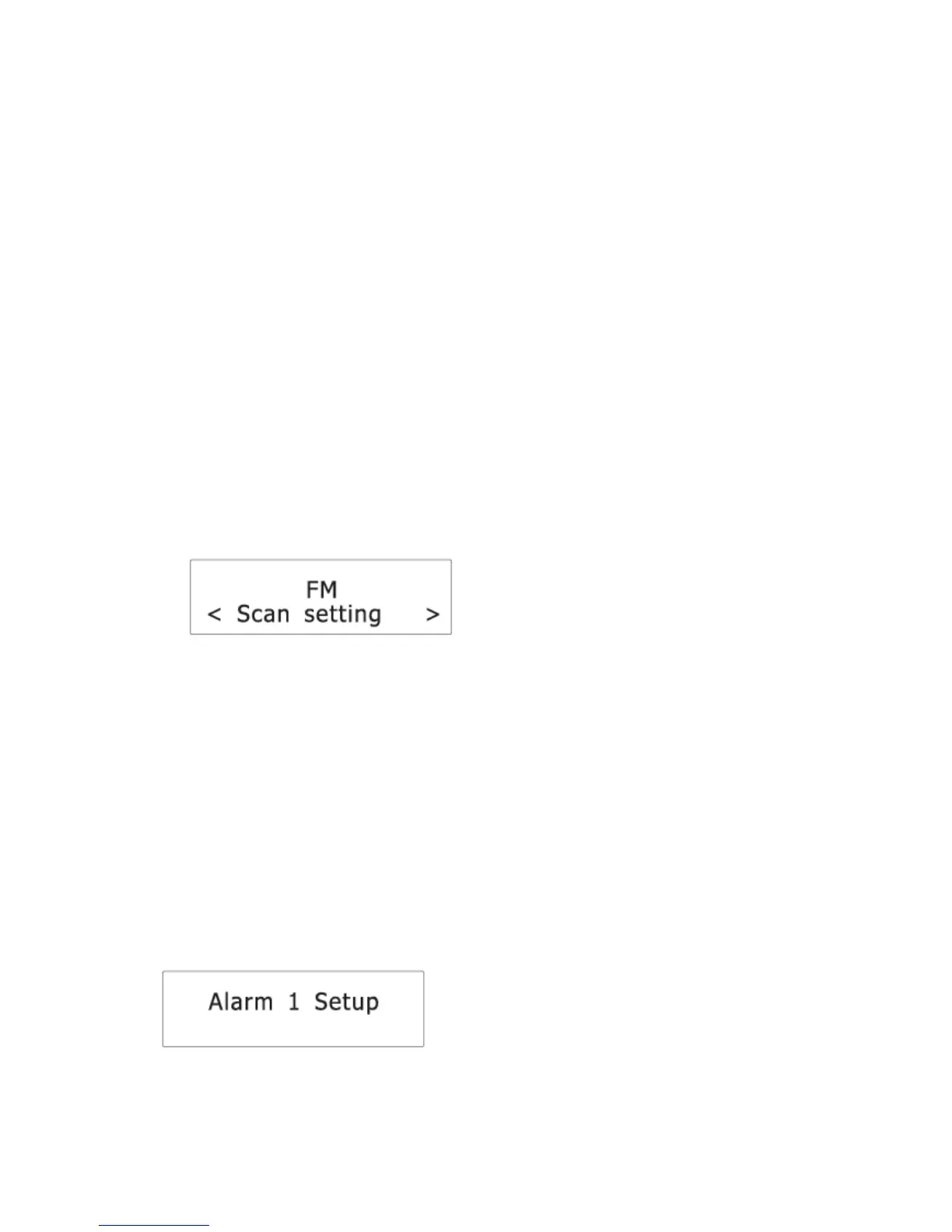
1. In FM mode, press and hold the MENU button to access the FM menus.
2. Press the BACKWARD or FORWARD button to cycle through the below options.
• Scan setting
• System
See below for details of each option.
Scan setting
1. Press the SELECT button to confirm the selection “Scan setting”.
2. Press the BACKWARD or FORWARD button to cycle through the below options.
The asterisk behind the option indicates the current setting.
• Strong stations only: Search for strong stations only.
• All stations: Search for all stations regardless of the signal strength.
3. Press the SELECT button to confirm the selected option.
System
See chapter “System menu” for details.
Alarm setting
The radio lets you have 2 alarm settings.
To set the alarm:
1. While in radio mode, Press the ALARM button to select between Alarm 1 and Alarm 2
and then press the SELECT button to confirm the selection.
2. Press the BACKWARD or FORWARD button to set the hour time of the alarm and then
press the SELECT button.


 To Next Page