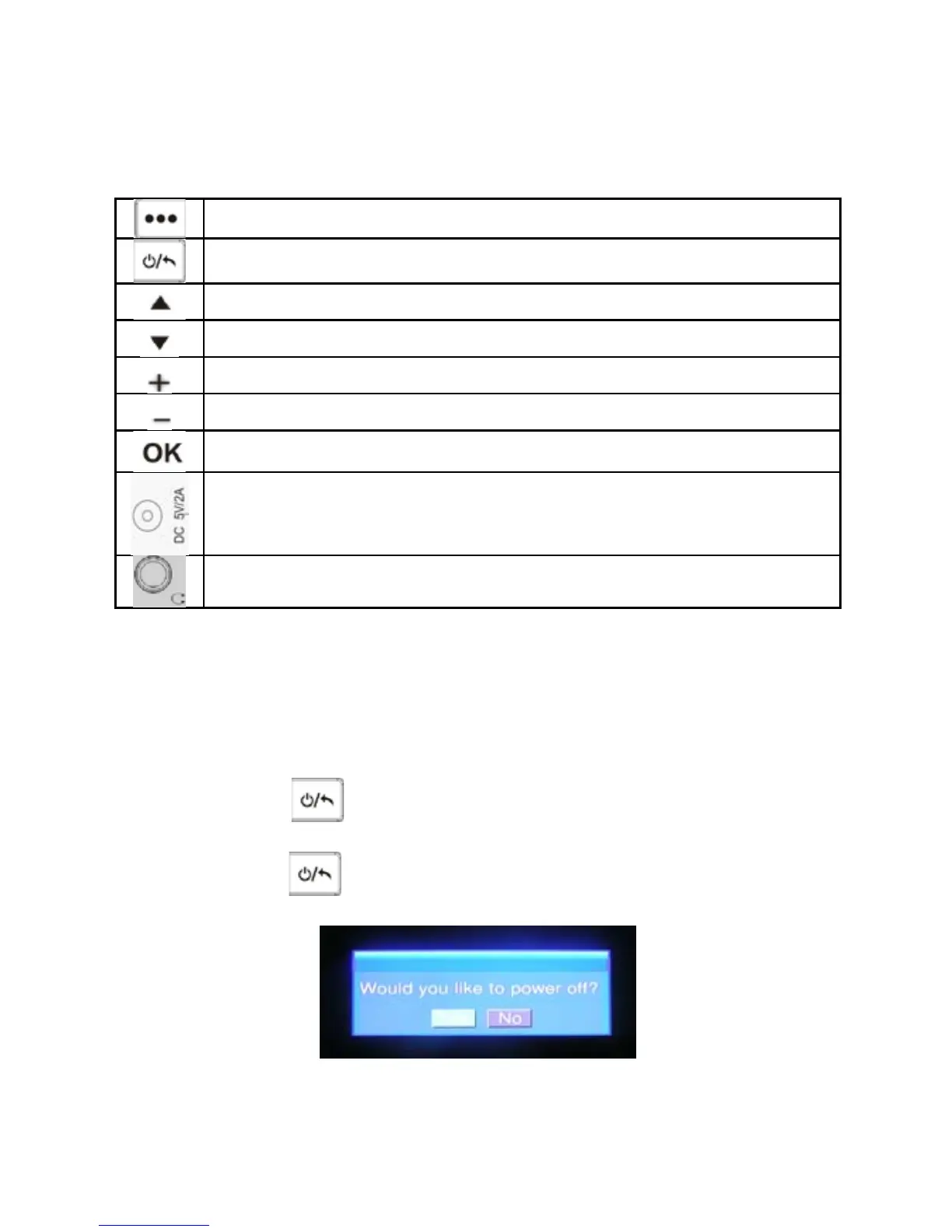
Diagram of the Portable TV
Menu Button
Power Button / Return Button
Channel +
Channel -
Vol +
Vol -
Confirm Button
DC Jack
Earphone Jack
BASIC OPERATION
Power On/Off
Power On: Press button and hold for 3 seconds, the system will start
up.
Power Off: Press button and hold for 3 seconds, the system will pop up
a dialog box as follow:
Press OK to power off the player.
Channel switch
Press ▲▼ to channel +/-.
2



 To Next Page