Volume Control
Press +/- to increase or decrease the volume.
Program list
Press under TV/Radio playback mode to show the program list and
press ▲▼ to select the TV/Radio channel, then press OK to confirm.
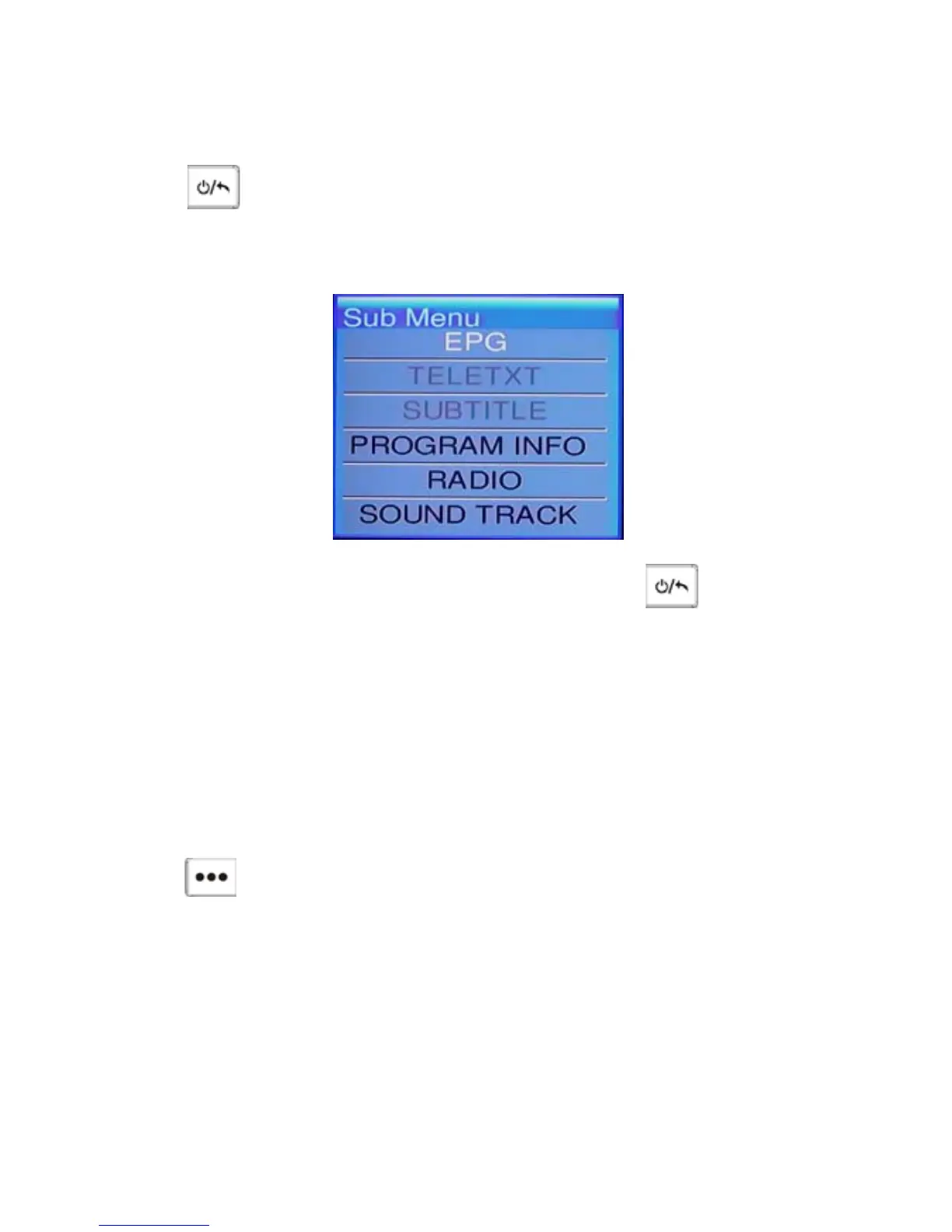
Sub-menu
Press OK under TV/Radio playback mode to enter the sub-menu as follow:
Move the cursor and press OK to enter these functions, and then you can
press the Direction Key to select different option, press to return and
exit this sub-menu.
Reset
If the player suspend hanged up, please insert a sharp stick into the reset hole
and press lightly, the system will clear all setting and power off.
System Setup
Press to enter the system setup menu as follow:
3



 To Next Page