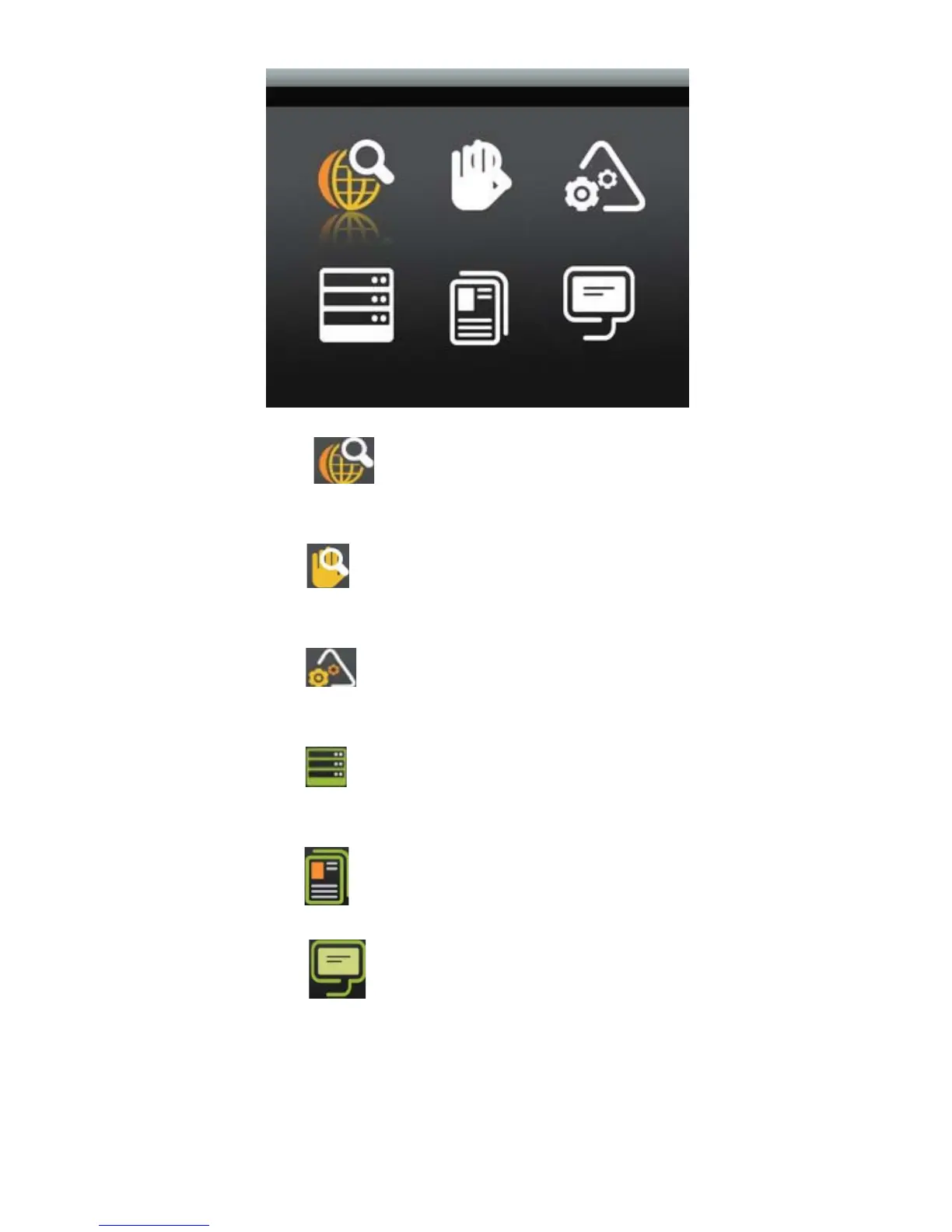
Auto Scan
Move the cursor to and press OK to start AUTO SCAN base on the
Country setting.
Manual Scan
Move the cursor to and press OK to start MANUAL SCAN; you can set
the start frequency, end frequency and Band width manually.
System setting
Move the cursor to and press OK to enter system setting menu, you can
set Area, Time Zone, OSD Language and LCN option.
Display setting
Move the cursor to and press OK to enter Display Setting menu, you can
set LCD Brightness, Contrast, Hue and Aspect Ratio option.
Factory Default
Move the cursor to and press OK to load Factory Default setting.
Version
Move the cursor to and press OK to show the Hardware and Software
version information.
4



 To Next Page