Press VOL - / VOL + can realize selection of English,Russian,Chinese,
Italian,Spanish,Potuguese,German and Arabic OSD menu.
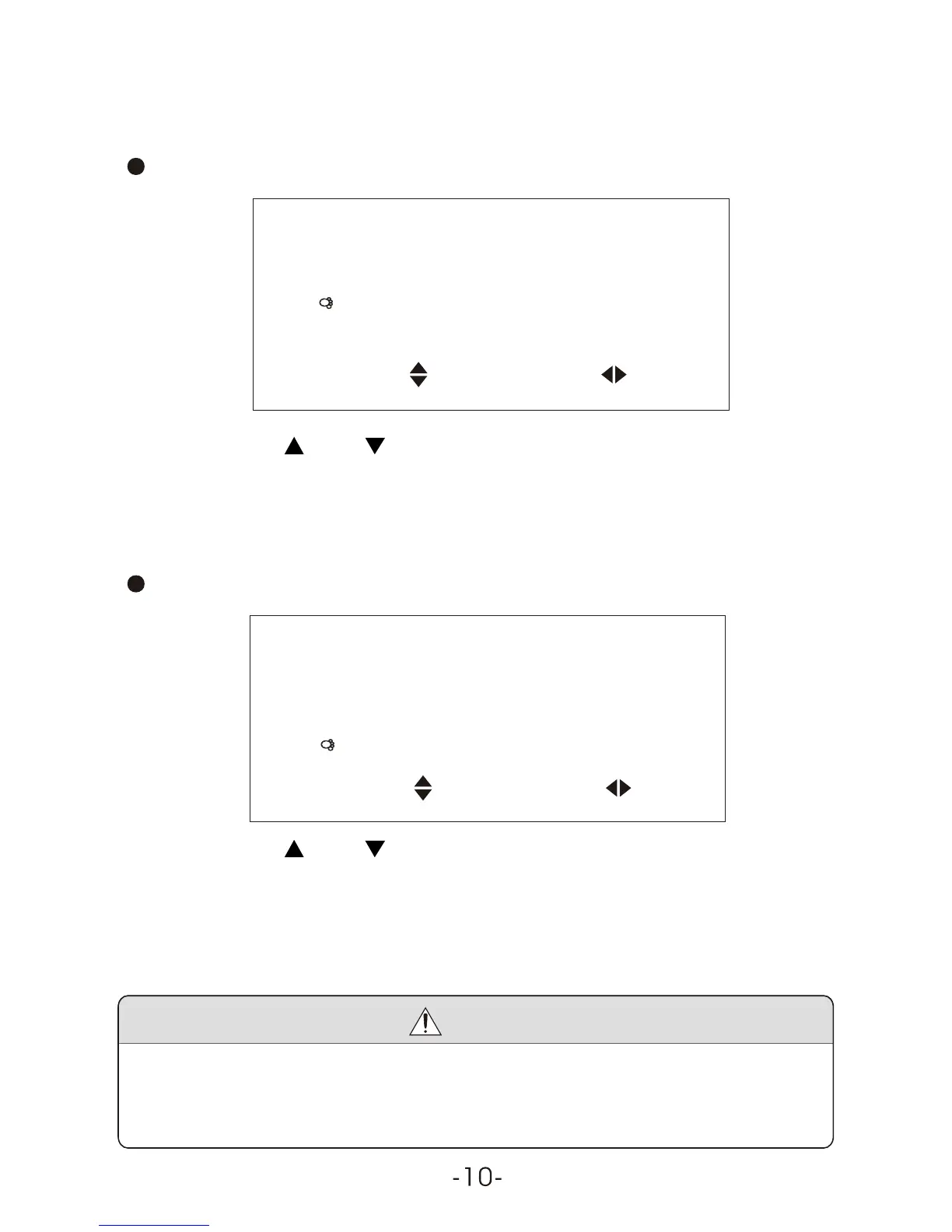
Press CH-or CH+ to select the item Calendar:
Language English
Calendar
Game
Option
Select Adjust
CH / CH Select VOL + / VOL - : Adjust
Press VOL-/VOL+ adjust calendar, then press CH+/CH- adjust year,
and press VOL-/VOL+adjust month.
Press CH+/CH- to select the item Game:
Language English
Calendar
Game
Option
Select Adjust
CH / CH Select VOL + / VOL - : Adjust
Press VOL+ / VOL- to enter into Game, press VOL- to move leftward,
VOL +, rightward, CH -, quick downward, and CH+, rotate the game
by 360 degrees, press POWER to exit game and resume to picture or
video status.
Notice
When play games under weak or no signal, the game bar will twist
slightly. It is recommended to switch to video status before you
playing the game again.



 To Next Page