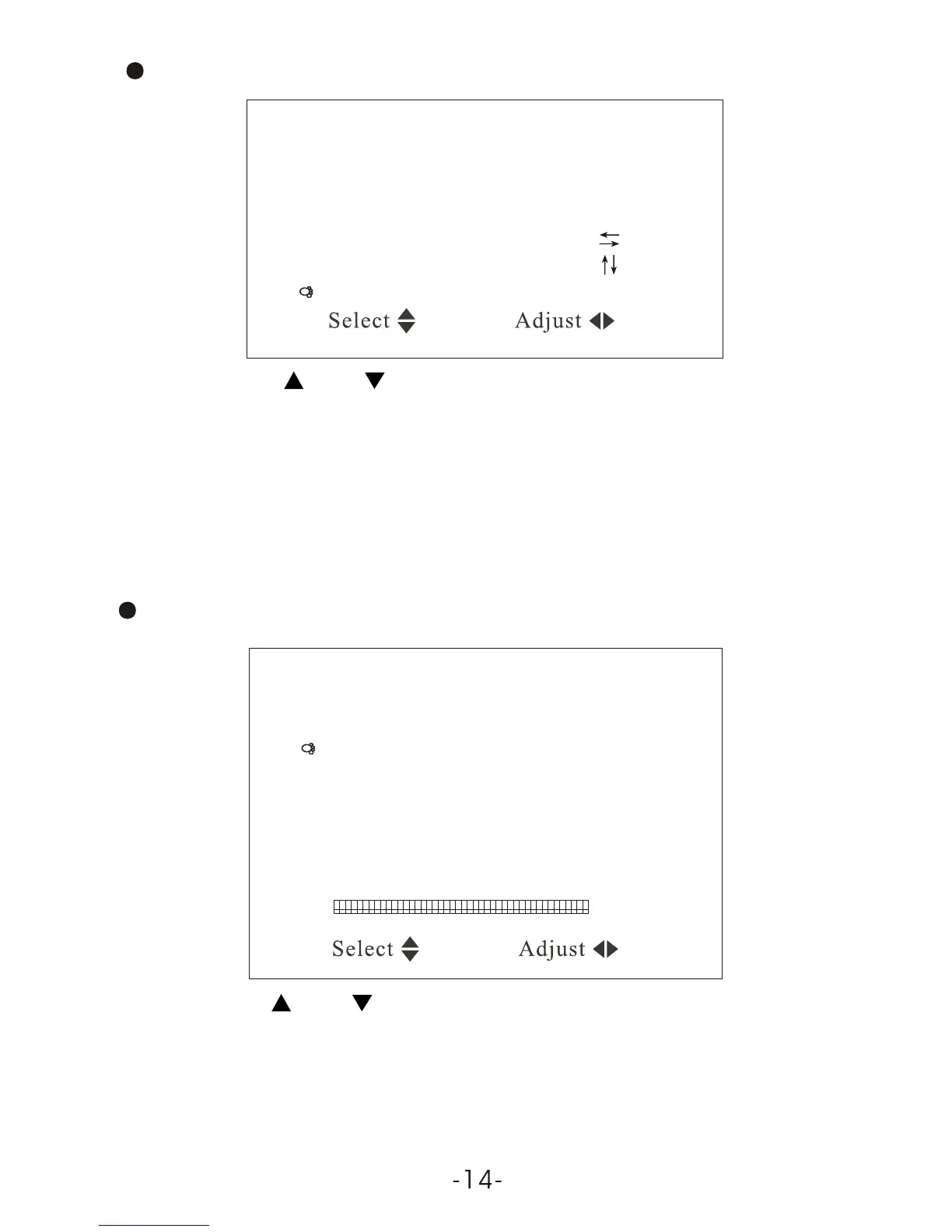
Color system AUTO
Sound system 6.5M
Blue back ON
Horizontal
Vertical
Zoom 0
CH / CH Select VOL + / VOL - : Adjust
CH / CH Select VOL + / VOL - : Adjust
Press CH- or CH+ to select the item Zoom:
System
Press VOL - / VOL + can realize the selection of picture modes:
0. 16:9 mode, 1. 4:3 mode, and 3. 16:9-1 picture enlargement mode.
Preset
6.5. Preset
Position, Remember, Band, Swap, Fine, Search, and Auto Search will
display on the screen as illustrated below:
Press CH- or CH+ to choose the item Remember:
Position 1
Remember ON
Band V-L
Swap 1
Fine
Search
Auto Search
Press VOL- or VOL+ to choose ON under the item Remember, it then
displays this channel upon changing program.In Off, it doesn't
display the Channel Number.



 To Next Page