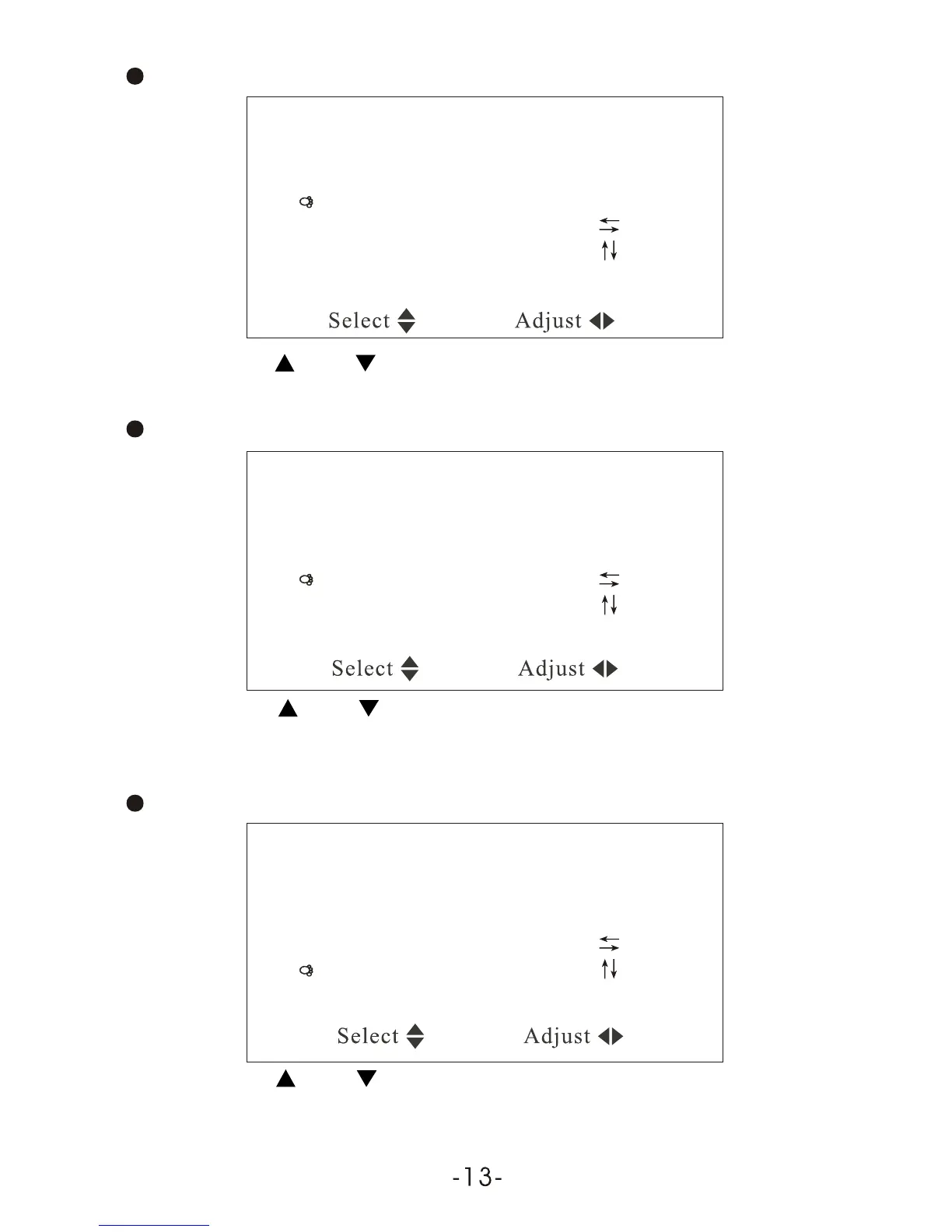
Press CH- or CH+ to select the item Blue back:
System
Color system AUTO
Sound system 6.5M
Blue back ON
Horizontal
Vertical
Zoom 0
Color system AUTO
Sound system 6.5M
Blue back ON
Horizontal
Vertical
Zoom 0
Color system AUTO
Sound system 6.5M
Blue back ON
Horizontal
Vertical
Zoom 0
System
System
CH / CH Select VOL + / VOL - : Adjust
CH / CH Select VOL + / VOL - : Adjust
CH / CH Select VOL + / VOL - : Adjust
Press VOL- / VOL+ can realize the ON / OFF of Blue Back under no signal.
Press CH-or CH+ to select the item Horizontal:
Press VOL - / VOL + can realize horizontal , press again to resume
the picture.
Press CH or CH+ to select the item Vertical:
Press VOL - / VOL + can realize vertical flip, press again to resume
the picture.



 To Next Page