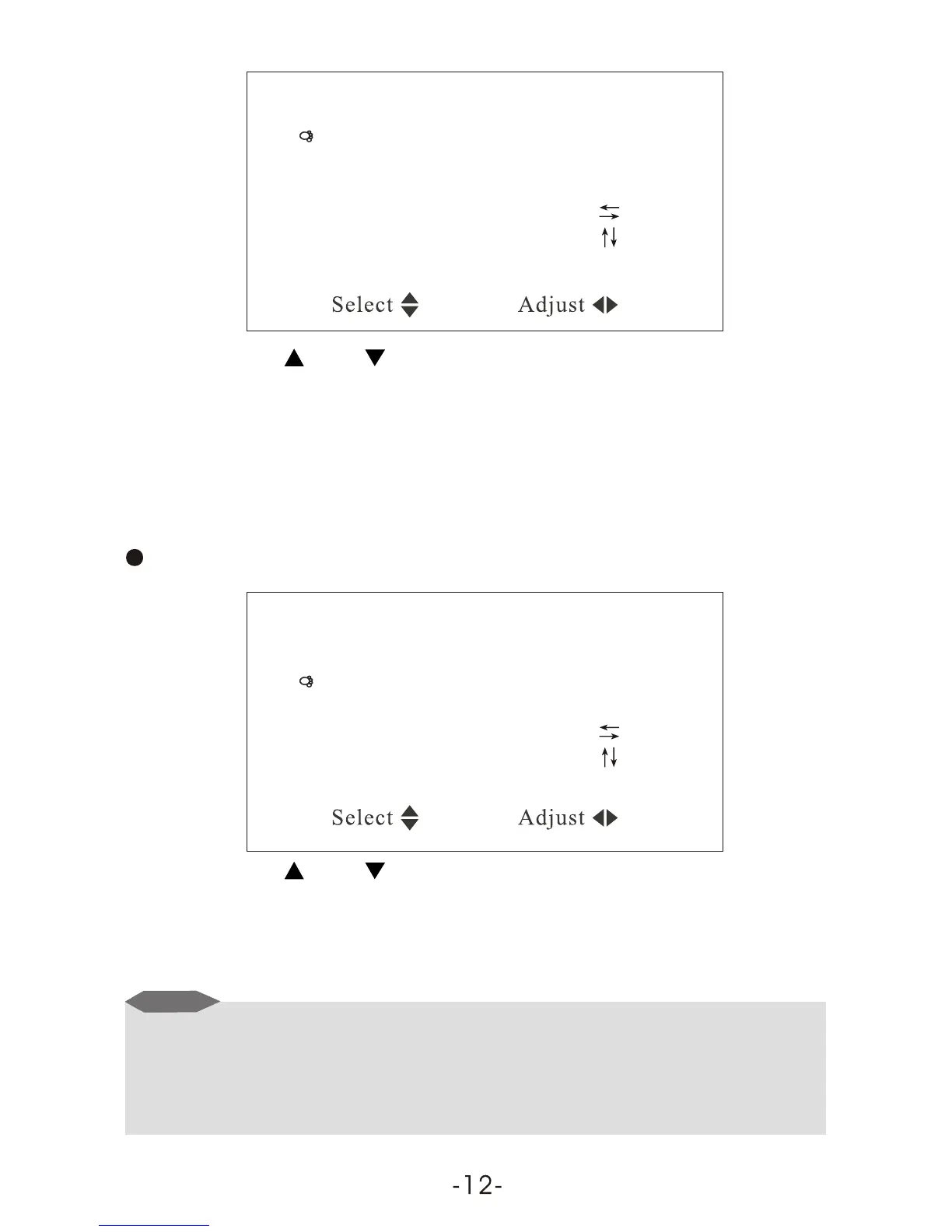
System
Color system AUTO
Sound system 6.5M
Blue back ON
Horizontal
Vertical
Zoom 0
CH / CH Select VOL + / VOL - : Adjust
Then press VOL or VOL+ to revolve the screen in the order of AUTO,
PAL , N3.58, N4.43 and SECAM. Please choose carefully this system
correctly. Otherwise, it may cause achromatic or inferior color. It is
recommended to select on AUTO position.
Press CH- or CH+ to select the item Sound system:
Color system AUTO
Sound system 6.5M
Blue back ON
Horizontal
Vertical
Zoom 0
System
CH / CH Select VOL + / VOL - : Adjust
Then press VOL+, the Sound System displays in the order of 5.5M,
6.0M and 6.5M.
Notice
1. Notes on Sound System: 5.5M means B/G, 6.0M stands for I, and
6.5M is D/K, please set the Sound System at local one.
2. In case with picture while without sound or with noise, please check
the Sound System for correct setup first.



 To Next Page