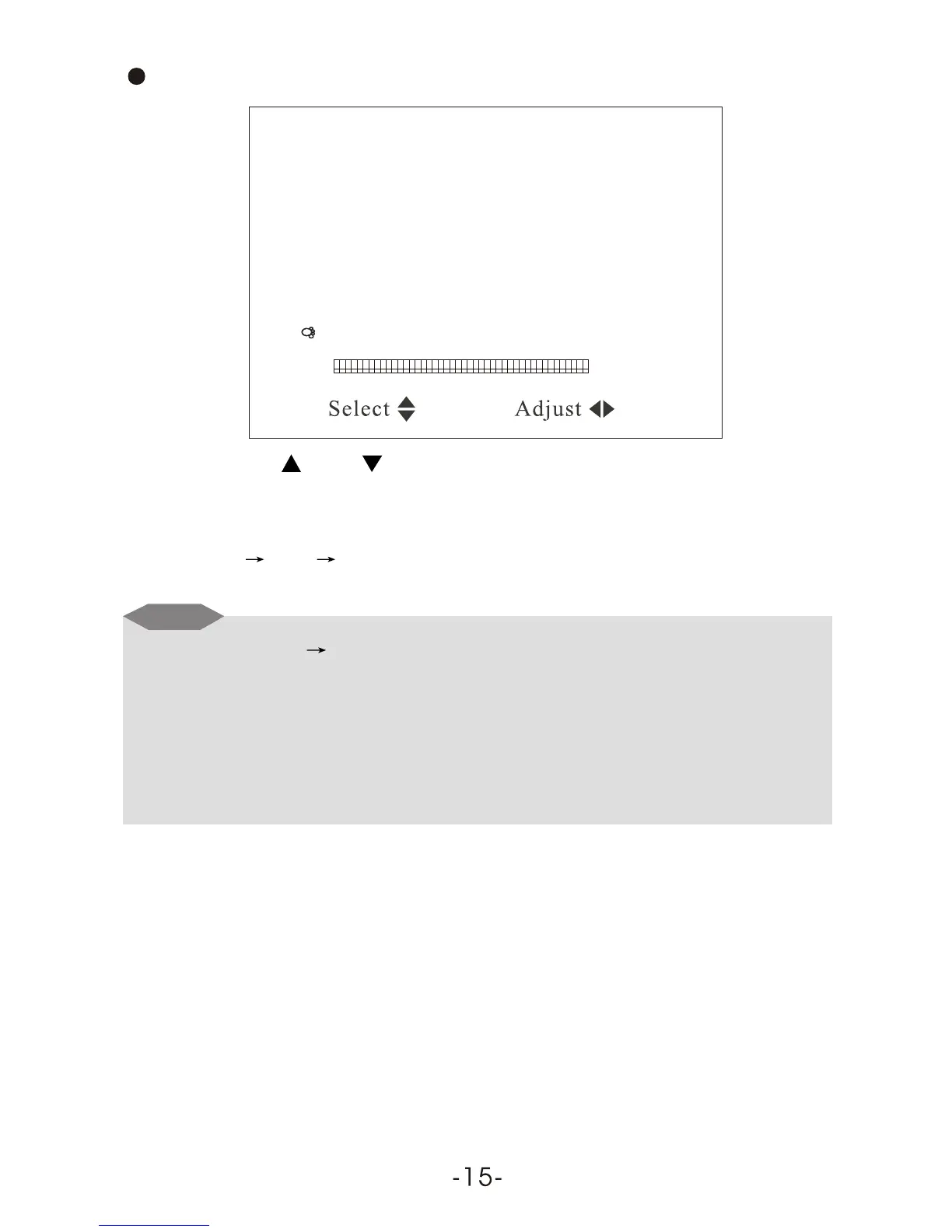
CH / CH Select VOL + / VOL - : Adjust
Position 1
Remember ON
Band V-L
Swap 1
Fine
Search
Auto Search
Preset
Press VOL- or VOL+ to start Auto Search, and put into automatic
memory and storage upon completion of A uto Search. Choose channel in
order of V-L V-H UHF, and return to Program No. 0 upon completion.
Notice
(1)Auto Search Start from Program No. 0.
(2)When receive signal under Search, the Program Indication Bar should
turn from red into green, which means the optimum position for signal
storage. If channel under weak signal is received, the channel storage
system will automatically identify it as no signal.
Press CH- or CH+ to select the item Auto Search:



 To Next Page