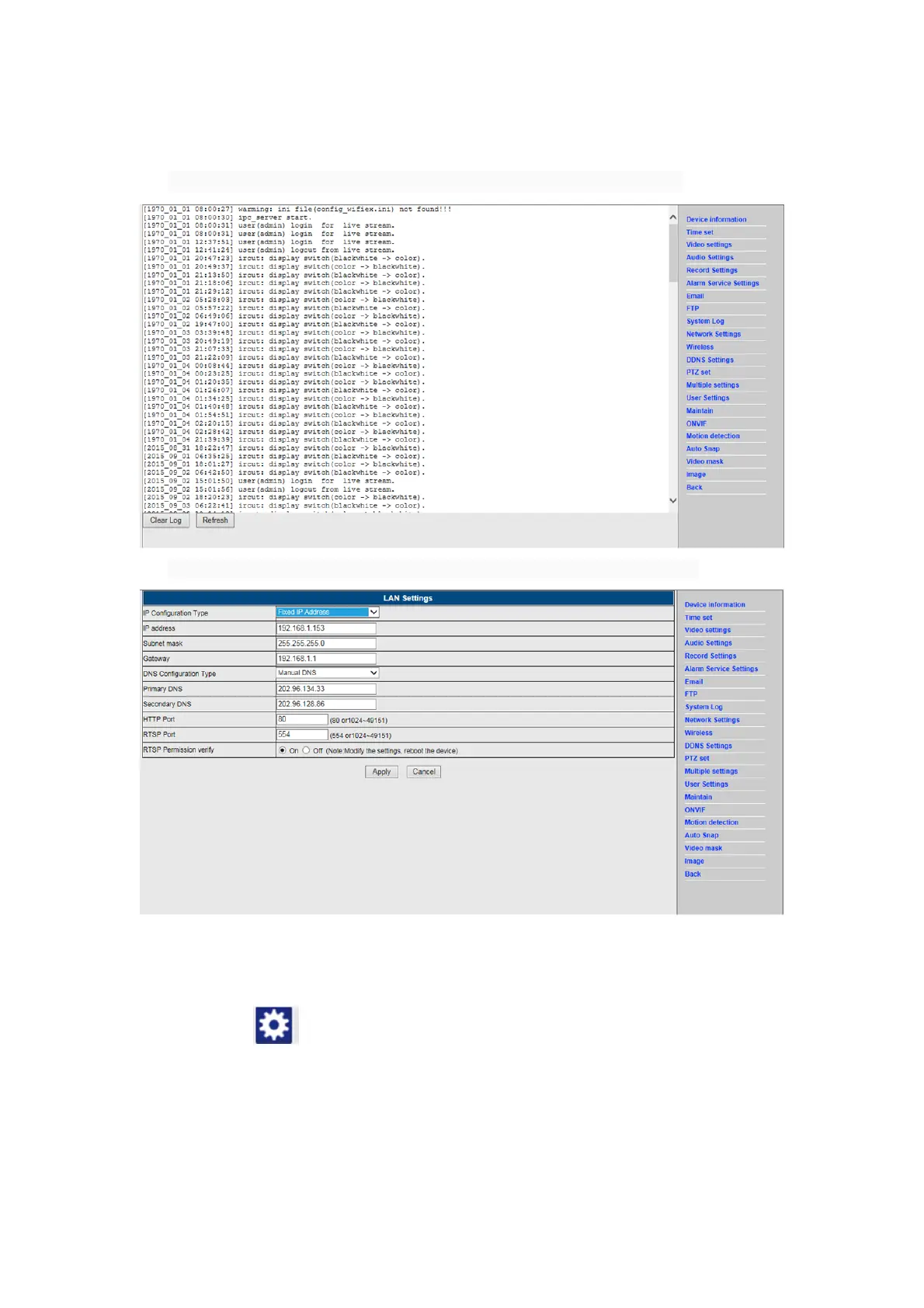
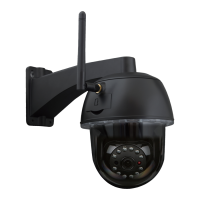
9. System log & Net work setting
1). System log is intended for administrators to monitor the system operation
2). In "Network Settings" you may modify the IP address, gateway and port number
10. DDNS Setting
1) Click on the icon and the choose “DDNS Service Settings”.
2) Choose the DDNS server, enter the DDNS user name and password.
3) Submit, refresh, then the DDNS status will be shown as “DDNS Succeed”.



 To Next Page