ENG 3
Start to use
1. Recharge
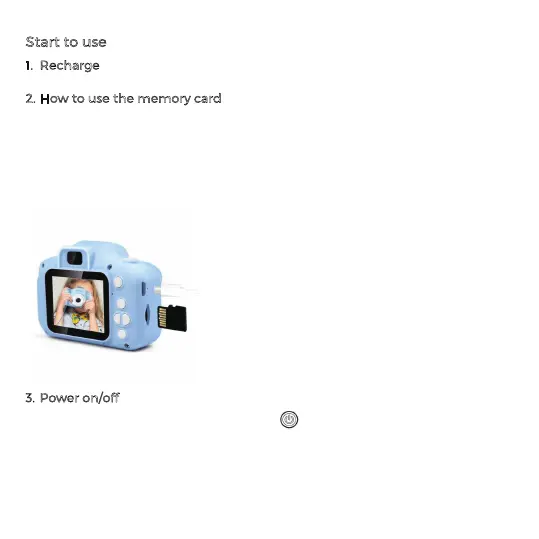
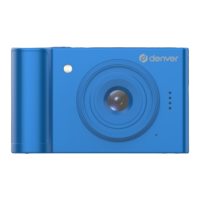
Use Micro-USB cable to charge if it is low battery. As shown in the figure below.
2. How to use the memory card
2.1. Properly insert the Micro SD into the card holder as per the instructions near the
card holder.
2.2. To remove the Micro SD, press the end of memory card gently, the card will be
ejected.
Note: With the built-in memory, you can take around 50 photos without memory
card. Please insert memory card before using it to take video.
3. Power on/off
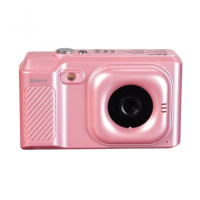
3.1. Power on: Long press the power Button the screen will be on and the camera
will be started
3.2. Power off: Hold on Power Button for 3 seconds when the camera is in the idle
state to turn it off.
3.3. Auto screen off: The screen will be turned off automatically when the time that


 To Next Page