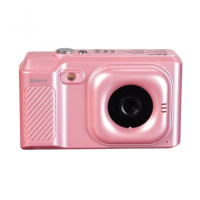
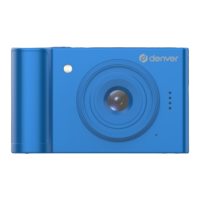
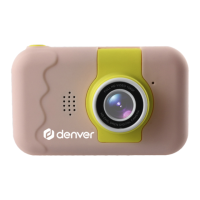
Flip Lens Kids Camera User Manual
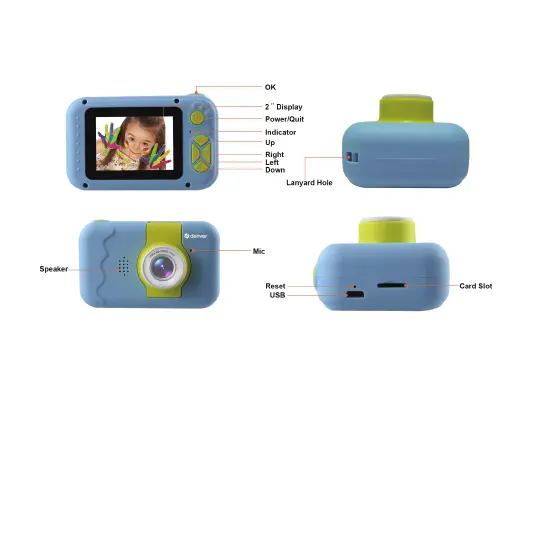
Camera Diagram
Detail Instructions
1.Insert Micro SD card
Note:please use brand Micro SD card, format it on a computer before using,
a low quality card may not be guaranteed to work properly.
2. Battery Charge
A.With a home daily using mobile adapter connect USB cable to charge the camera
B.When fully charged, screen battery icon will show 100%.
3. Turn on/ off camera
A.Long press the Power button for about 1 seconds, camera will turn on.
B.Long press the Power button 1 seconds, camera will turn off.
ENG 2


 To Next Page