ENG-3
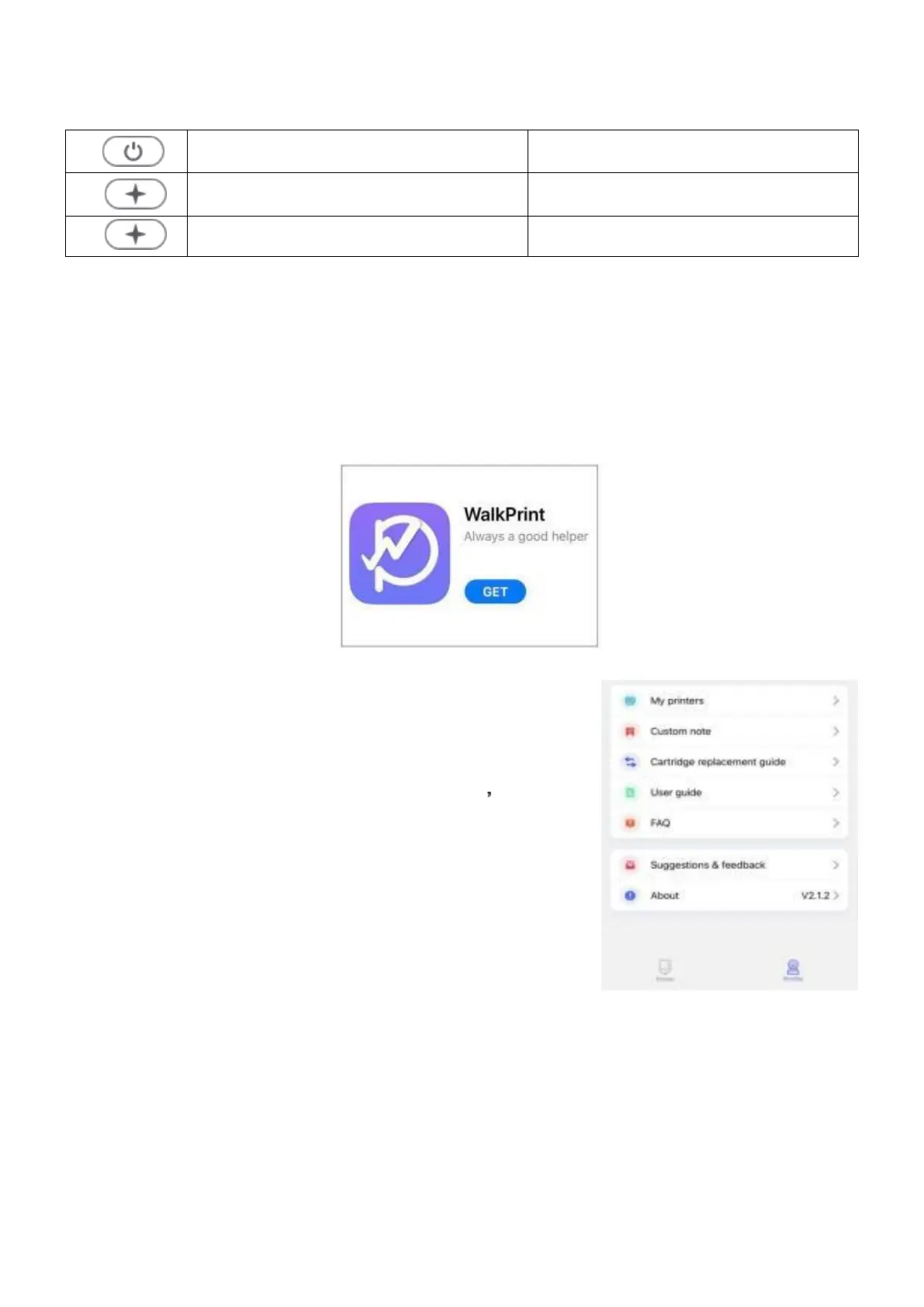
Power indicator status
Green light is on/flashing quickly standby/charge completed
Red light is steadily on/off
charging/charging completed
Green light flashing
print head hot/short of paper
How to use
1. Make sure to fully charge the product before use. Press and hold the power
button for three seconds to turn on/off.
2. Search “walkprint” in Google Play or App Store to download the APP.
3. After Bluetooth is enabled, use the app to
connect to the Bluetooth printer. Go to “Profile”
and then in the option "My Printers”, connect to
“KXY-MBP-32”. After successful connection you
can print pictures or notes from your phone.


 To Next Page