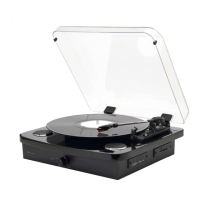
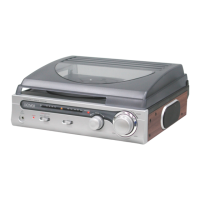
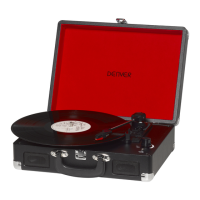
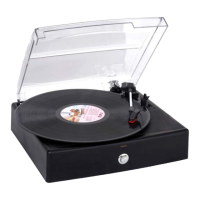
BT MODE
With your Retro turntable you can connect wirelessly to other compatible BT devices
and stream music, which can then be heard through the Retro Turntable stereo
speakers.
Before you can use your Retro Turntable in BT mode, you need to ‘pair’ it with a BT
capable device, such as an iPod/iPhone/iPad/tablet/Android/ other phone/Computer.
1. If you are not in BT mode, repeatedly short press the Source button to go to BT
mode (check the display).
2. ‘BT' will be displayed and "not connected" will be shown in the display while your
product searches for BT devices.
3. On the device that you would like to connect to your Turntable via BT (e.g.
iPod/iPhone/ iPad/Android/other phone/Tablet/Computer), turn on BT connectivity
and ensure that it is ‘discoverable'.
Note: If necessary, refer to the instructions for your device to add or set up Bluetooth.
4. When found, your Retro Turntable will be displayed as 'MRD-52'. Select the
device name to begin pairing.
Note: If your device requests a password, please enter '0000' to complete the device
pairing.
5. When pairing is complete, "connected" will be shown and the devices will remain
continuously on.
6. Now that you have paired your device with the Retro Turntable, they are
connected when it is within range, which is about 10 meters or fewer (33 feet or
less)in line of sight.
7. Your device will remain paired with the Retro Turntable unless you decide to
disconnect or 'unpair' it.
Note: If your previously paired device is within range but does not automatically
connect, go to the BT connectivity settings on your device and select 'MRD-52' to
reconnect.
Controlling a paired BT device
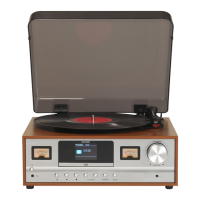
Once paired you can adjust the volume using the right hand rotary volume control.
You can also use the controls on the connected audio device.
1. Select and start the music or audio that you wish to listen to on your paired BT
device, it will now be heard through the Retro Turntable speakers. Adjust the
volume on the connected device and/or your product.


 To Next Page