30/55
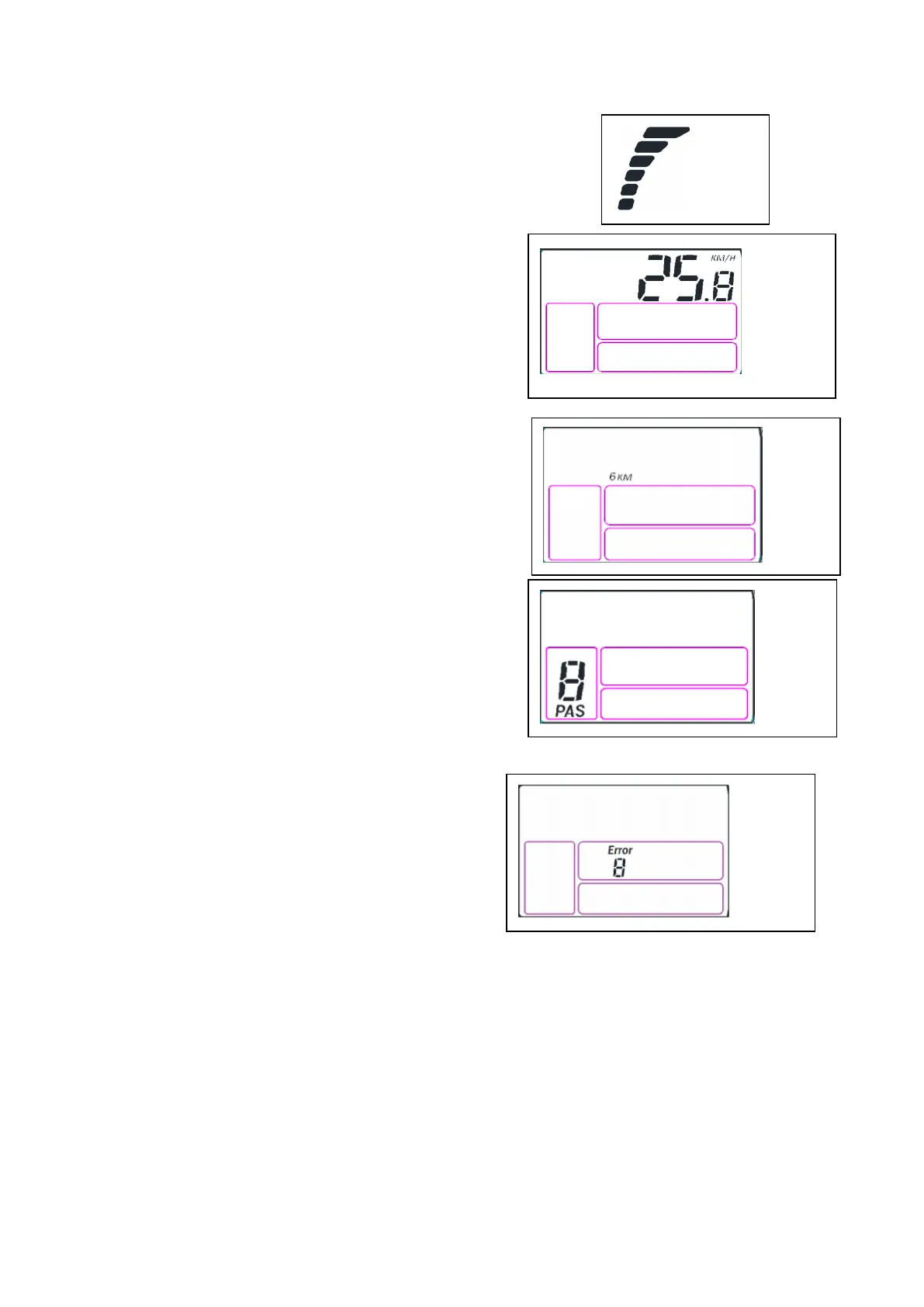
2) CURRENT SHOW (see Fig.5.2):
It shows the current controller of the discharge current, each grid shows
for 2A, 6 grids show 12A or more.
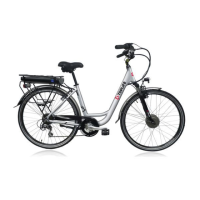
3) REAL-TIME SPEED:
Display shows the real-time riding speed, the Kilometer and
Mile can be selected by SET 4
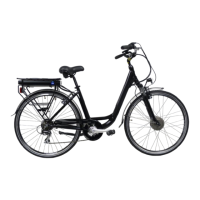
4) 6KM/H:
Long press the key “ - ” 2 seconds then the 6KM/H function
start, the icon will be displayed on the screen.
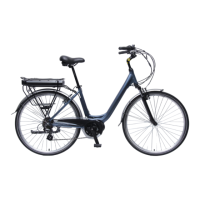
5) PAS LEVEL SELECTION:
Press “ + ”or “ - ” to change the assistance level, 1 level is the
default setting. It means even though you don’t pedal the bike
forward, the bike can start moving directly at max speed of
6KM/H only, provided this button is kept pressing. As soon as
this button is released, the bike will stop immediately.
6) ERROR CODE INDICATOR:
When the system fails, the error icon and error code will
flicker at the frequency of 1Hz. Different fault codes
represent different fault Information.


 To Next Page