Now the alarm system is connected and you can put
your sensors etc. where you want them.
You need to connect the IP camera separately. To do
that, repeat the “add new” instructions and choose
ENG 4
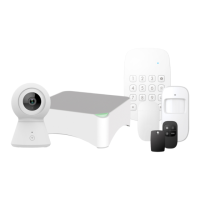
Now you need to add the alarm system to the app.
First, unpack control panel and all accessories, make
sure to pull out any battery savers and turn on the
control panel by pushing the power switch (use a pen
or a toothpick or similar small product to push the
power switch)
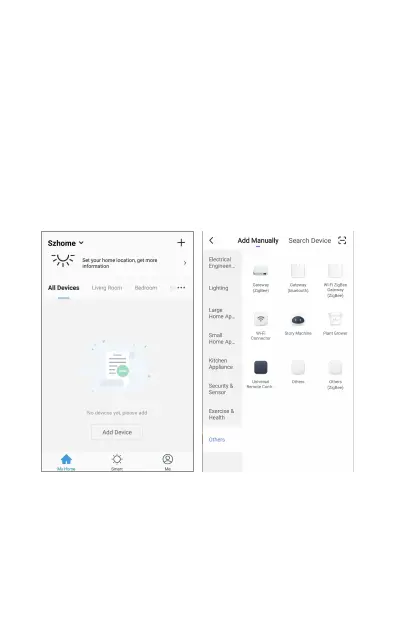
Push “Add Device”, go to “Others” and choose “Wi-Fi
connector!, and follow on screen instructions. It will
guide you through the whole setup.


 To Next Page